M.2 2280 SSD Heatsink — Dual-Layer Alloy Cooler with Thermal Pads, 2-Pack

Keine Bewertungen

Preis:
Sonderpreis$38.00 USD
Lagerbestand:
Verfügbar (500 Stück), versandbereit

Payment & Security

Ach Direct Debit Amazon American Express Apple Pay Bancontact Diners Club Discover Google Pay iDEAL Wero Mastercard PayPal Shop Pay USDC Visa

Deine Zahlungsinformationen werden sicher verarbeitet. Wir speichern keine Kreditkartendaten und haben auch keinen Zugang zu deinen Kreditkartendaten.

Quantity Discount Promotion
🎯 BULK DISCOUNT: Buy More, Save More!
Buy 2 Items
5% OFF
Buy 4 Items
10% OFF
Buy 6 Items
15% OFF
Expert

DIY Expert Support

Get fitment advice & recommendations

Mon-Fri, 8:30AM-8PM
24-Hour Fast Ship
🚚
Arrives in 3-14 days
🌍
Global Reach
↩️
30-Day Returns
🌱 1 tree planted with every purchase

Beschreibung

M.2 2280 SSD Heatsink — Keep Your Drive Cool Under Sustained Workloads

NVMe SSDs — especially PCIe Gen 4 drives — generate significant heat during sustained reads and writes. When temperatures climb too high, drives throttle their speeds to protect themselves, turning a fast storage upgrade into a bottleneck. This M.2 2280 SSD heatsink is built for PC builders, gamers, and content creators who want to keep their drive running at full speed without thermal throttling. The open-channel alloy design dissipates heat passively without adding bulk or requiring any cables.

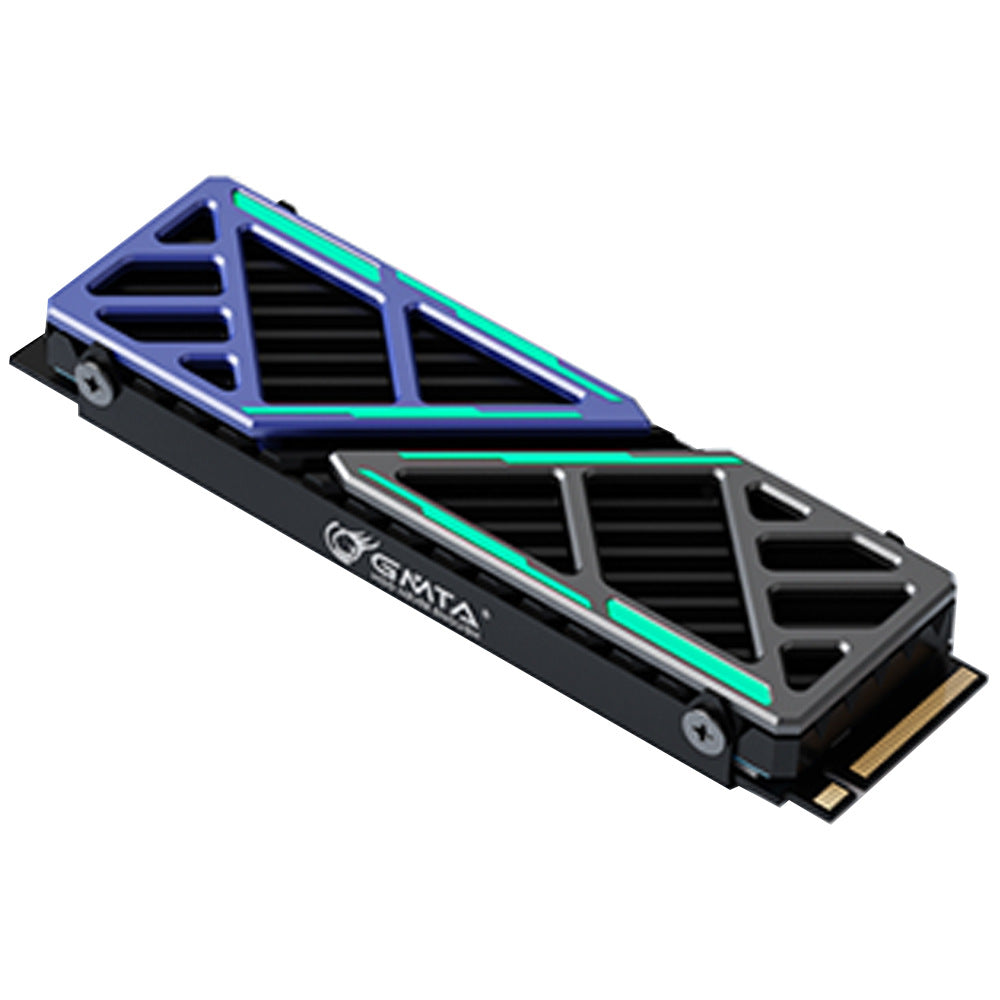
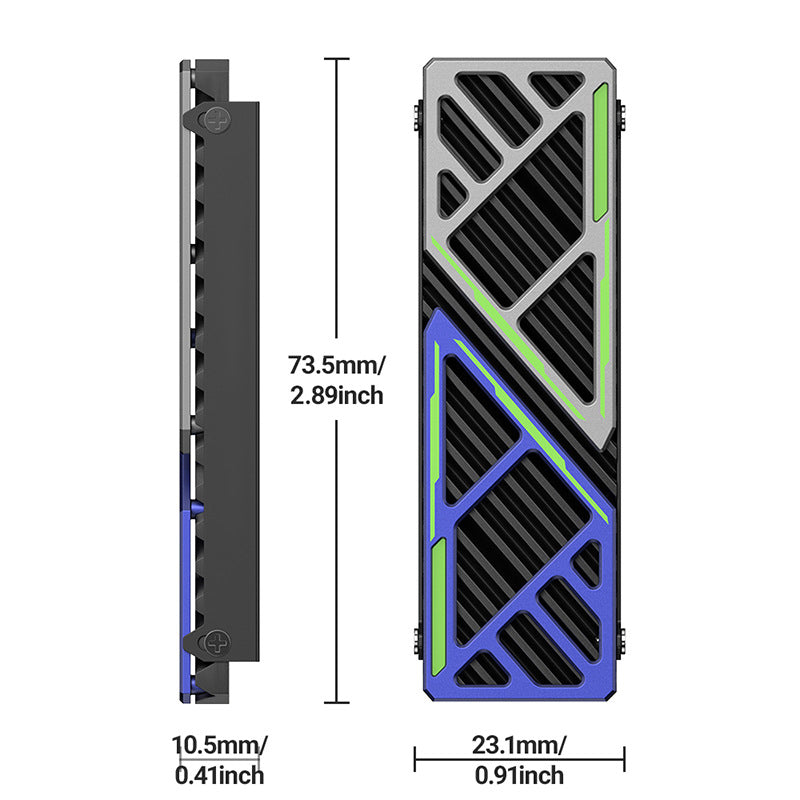
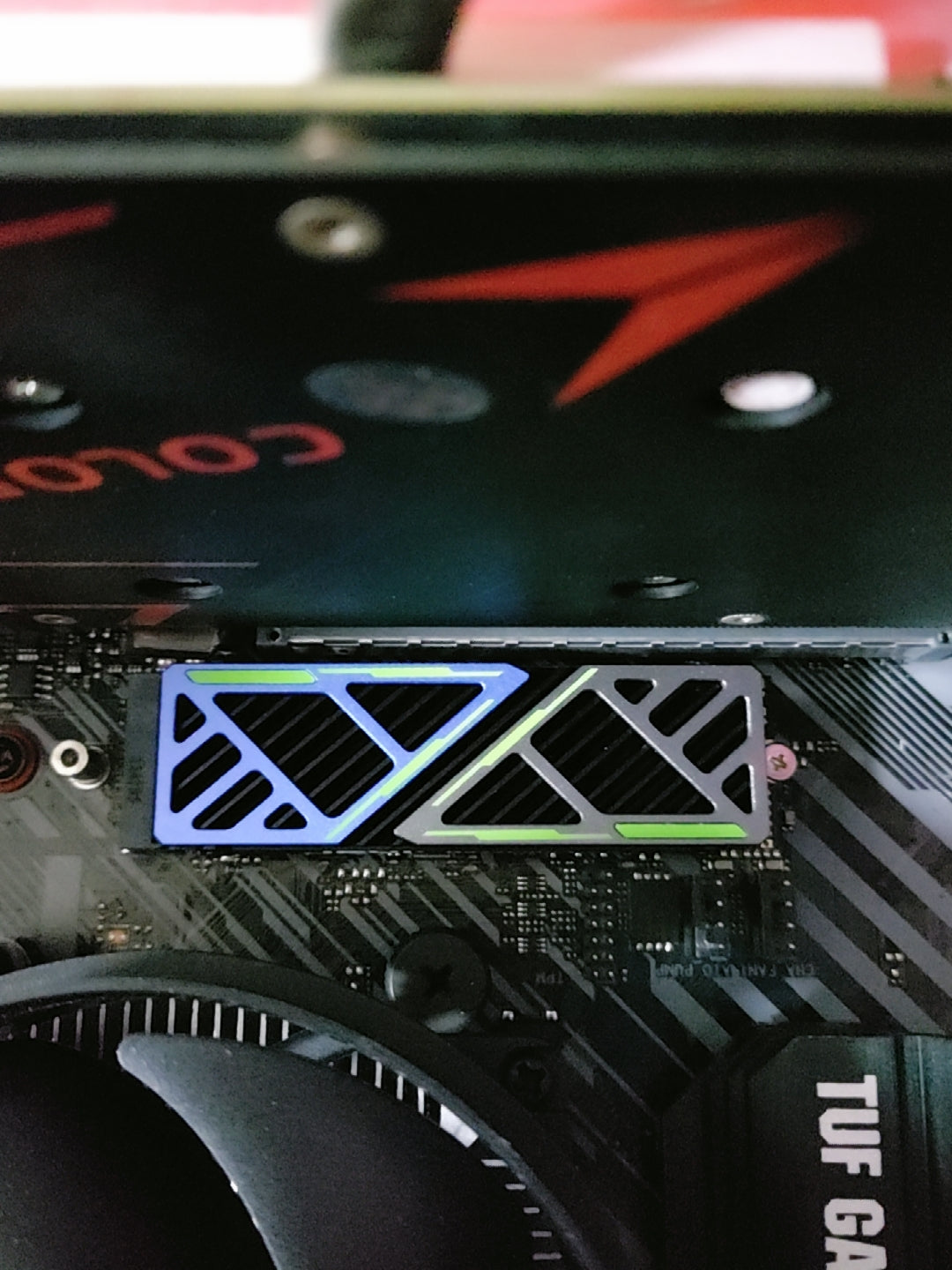
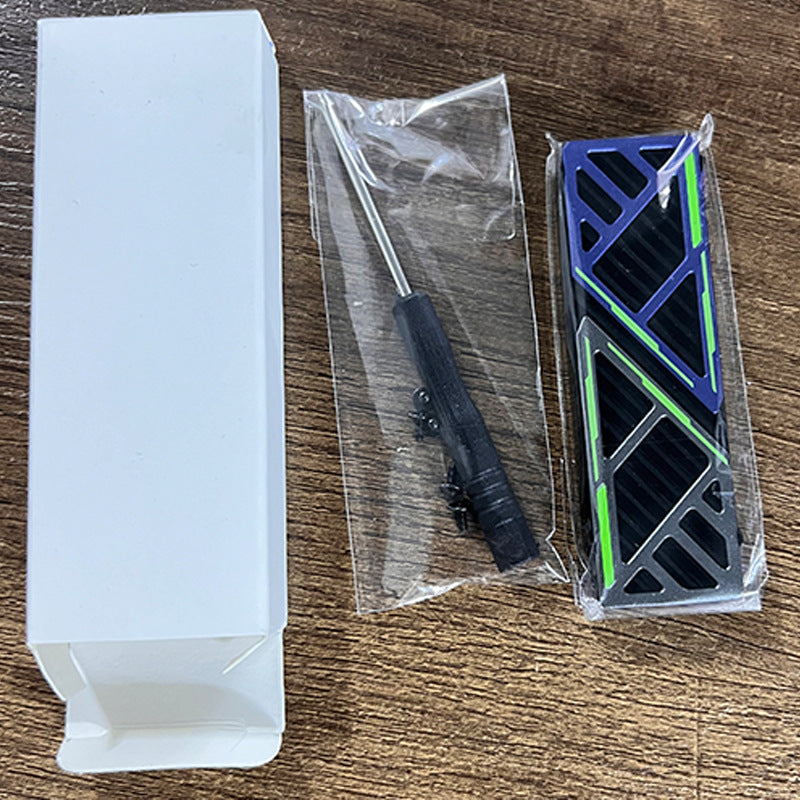
Each order includes 2 complete heatsink sets. Each set contains: 1 × dual-layer magnesium-aluminum alloy heatsink (top cover + base), 1 × top thermal pad, 1 × bottom thermal pad, and mounting screws — everything needed for a clean installation. The heatsink measures 73.5 × 23.1 × 10.5mm (2.89" × 0.91" × 0.41") and weighs 23.5g per unit. An adjustable screw hole position (3mm / 0.12" range) accommodates both single-sided and double-sided M.2 2280 drives. Available in Blue, Pink, Orange, and Red.

This heatsink is ideal for high-performance NVMe SSD cooling in gaming PCs and workstations where Gen 4 drives run hot under load, as a passive M.2 cooler for compact ITX builds where airflow is limited, and as a straightforward SSD temperature management upgrade for any desktop that lacks a factory M.2 shield. Testing shows temperature reductions of 5°C–30°C depending on environment and workload.

🔌 Compatibility: Fits M.2 2280 SSDs only (80mm length). Compatible with NVMe (PCIe Gen 3 & Gen 4) and SATA M.2 drives. Not compatible with M.2 2242 or M.2 22110 form factors. Remove any existing motherboard M.2 shield before installation.

✅ Key Features of These M.2 2280 SSD Heatsinks

  • 🧲Dual-Layer Magnesium-Aluminum Alloy Construction — The two-layer alloy body (top cover + base) increases total contact surface area compared to a single-plate design, drawing heat away from the SSD chips more effectively. Magnesium-aluminum alloy is lighter than pure aluminum while maintaining strong thermal conductivity.
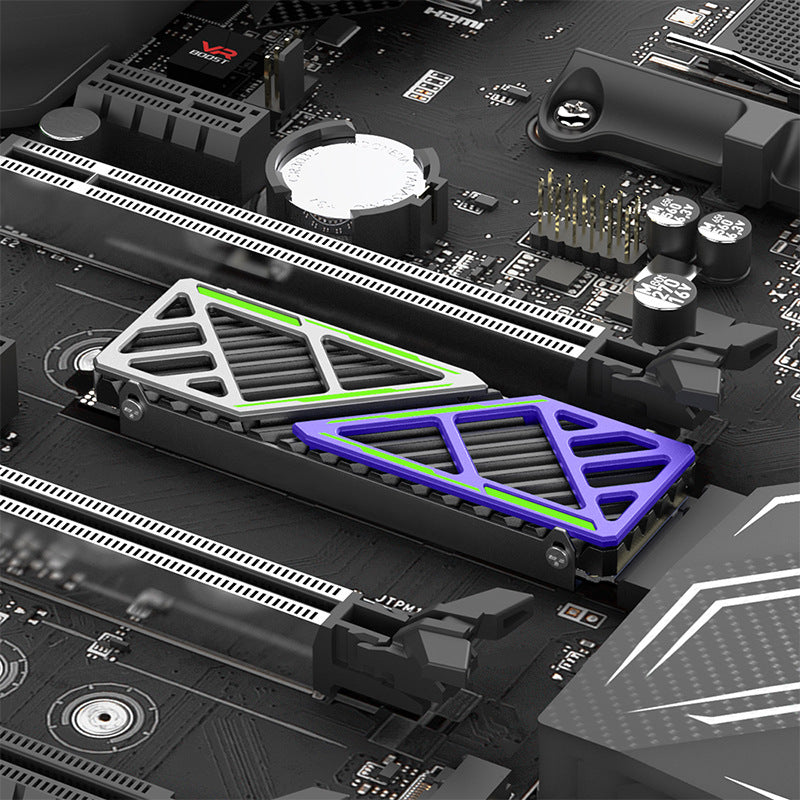
  • 💨Omnidirectional Airflow Channel Design — The open lattice pattern on the top cover creates multi-directional airflow channels across the fin surface. Heat dissipates in all directions rather than accumulating in a single zone, improving passive cooling efficiency in both open-air and enclosed case environments.
  • 🌡️5°C–30°C Temperature Reduction — Tested temperature reductions range from 5°C to 30°C depending on case airflow, ambient temperature, and SSD workload. For Gen 4 NVMe drives that throttle above 70°C, keeping temperatures in the 50°C–60°C range under load helps maintain consistent read/write speeds.
  • 🔧Adjustable Screw Position for Variable SSD Thickness — The 3mm (0.12") adjustable screw hole range allows the heatsink to clamp securely onto both single-sided and double-sided M.2 2280 SSDs. This ensures consistent thermal pad compression and contact regardless of drive thickness.
  • 📦2-Pack with Complete Installation Hardware — Each order includes 2 full heatsink sets. Each set comes with pre-cut top and bottom thermal pads and mounting screws. No thermal paste, no additional purchases, and no tools beyond a small Phillips screwdriver are needed. Installation takes approximately 2 minutes per drive.
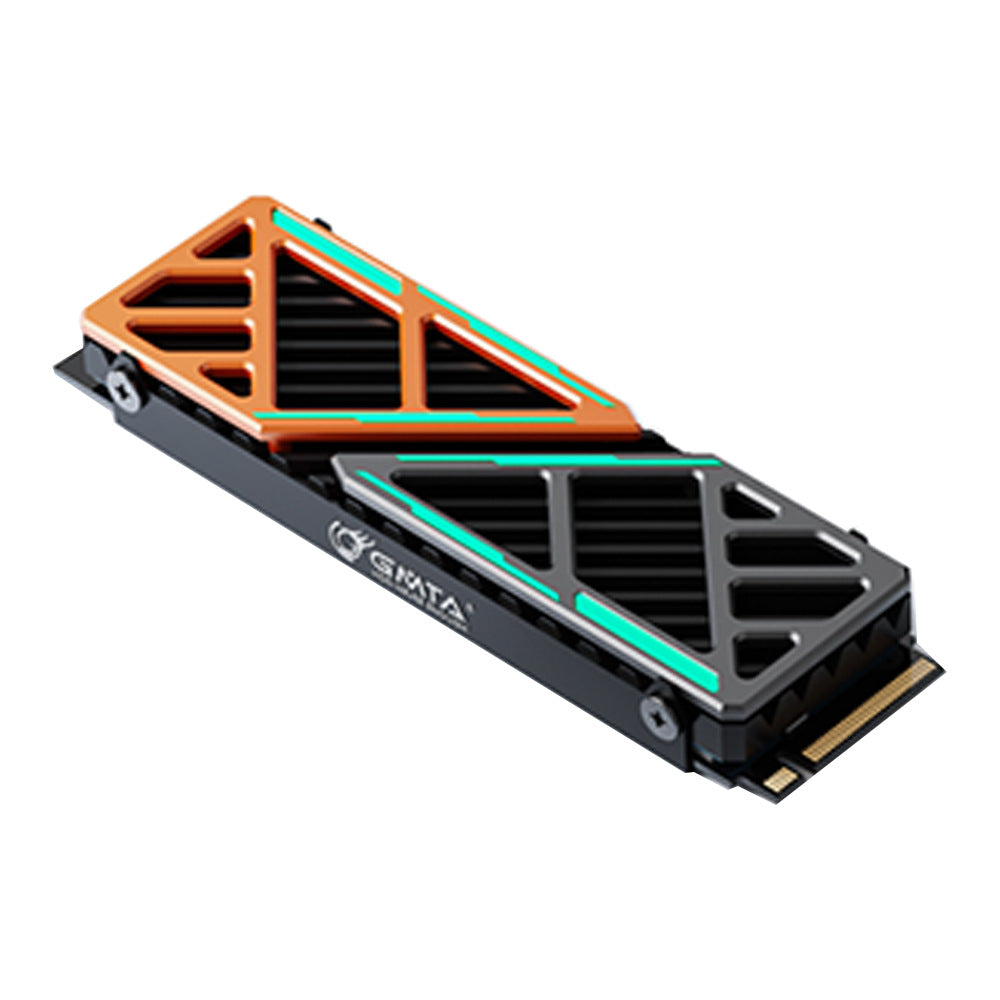
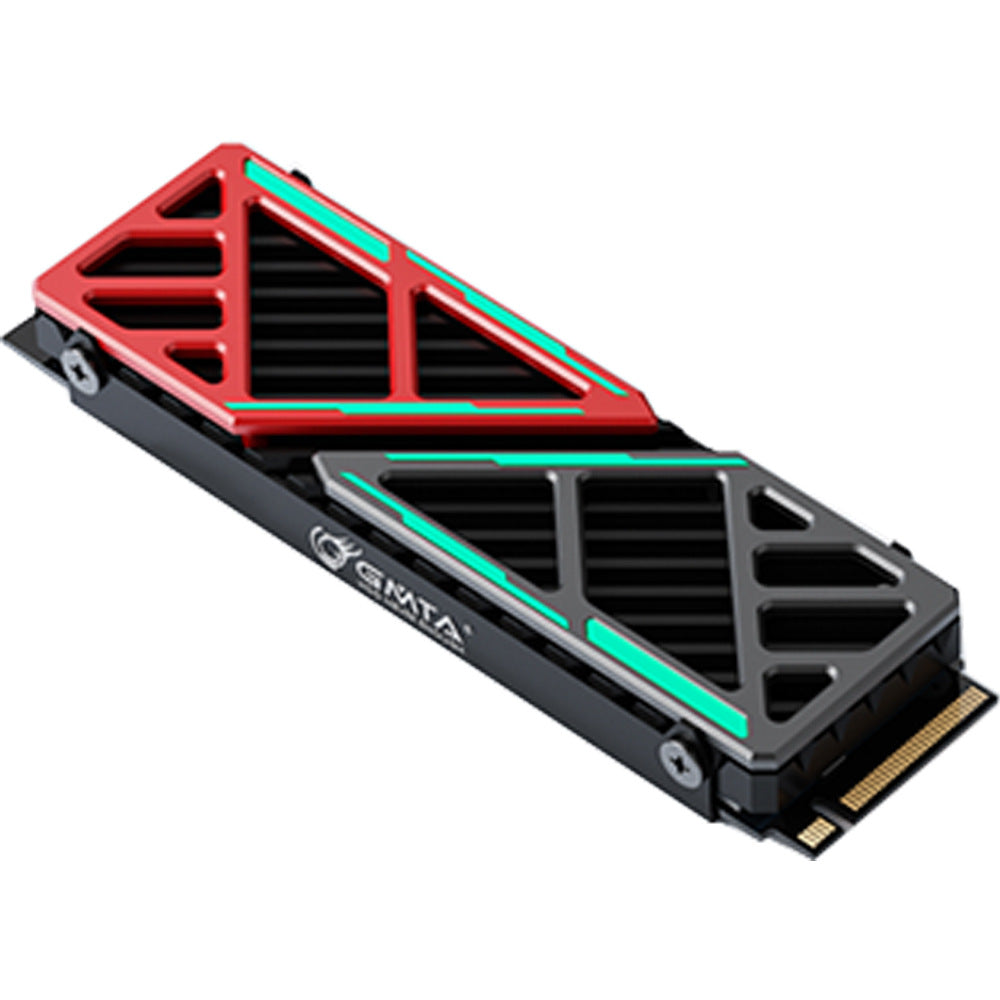
  • 🎨Four Color Options for Build Aesthetics — Available in Blue, Pink, Orange, and Red anodized finishes. The geometric lattice top cover adds a mechanical-style visual element to your motherboard without requiring RGB lighting or additional power connections.

📐 Technical Specifications — M.2 2280 SSD Heatsink

Model Dazzcold-006 (GM-SR006)
Compatible SSD Form Factor M.2 2280 (80mm length)
Compatible SSD Interface NVMe PCIe Gen 3 / Gen 4, SATA M.2
Heatsink Dimensions 73.5 × 23.1 × 10.5mm (2.89" × 0.91" × 0.41")
Weight (per unit) 23.5g (≈0.83 oz)
Material Magnesium-Aluminum Alloy (top cover + base)
Cooling Method Passive Heatsink (no fan)
Thermal Interface Material Pre-cut thermal pads (top + bottom, included)
Screw Hole Adjustment Range 3mm (0.12") — accommodates single-sided and double-sided SSDs
Temperature Reduction 5°C–30°C (varies by environment and workload)
Available Colors Blue / Pink / Orange / Red
Quantity per Order 2 heatsink sets (2 × top cover + 2 × base + thermal pads + screws)
Package Retail box
⚠️ Before ordering: Confirm your SSD is the M.2 2280 (80mm) form factor. If your motherboard has a factory M.2 heatsink installed, remove it before fitting this cooler. Do not apply additional thermal paste on top of the included thermal pads.

❓ Frequently Asked Questions

What SSD form factor does this heatsink fit?

This heatsink is designed specifically for M.2 2280 SSDs — the most common M.2 size, measuring 80mm (approximately 3.15") in length. It is not compatible with M.2 2242 or M.2 22110 drives. Check your SSD label or motherboard manual to confirm your drive is the 2280 size before ordering.

How much does this heatsink reduce SSD temperatures?

Based on testing, this heatsink can reduce SSD operating temperatures by approximately 5°C to 30°C depending on case airflow, SSD workload, and ambient temperature. In a well-ventilated mid-tower case under sustained read/write workloads, temperature reductions of 10°C to 20°C are generally achievable. Results will vary by system configuration.

What is included in each order?

Each order includes 2 complete heatsink sets. Each set contains: 1 × dual-layer alloy heatsink (top cover + base), 1 × top thermal pad, 1 × bottom thermal pad, and mounting screws. No thermal paste is required — the included thermal pads handle heat transfer between the SSD and the heatsink body.

Will this heatsink fit if my motherboard already has an M.2 shield or cover?

If your motherboard has a factory M.2 heatsink or shield installed, you will need to remove it before fitting this aftermarket cooler. Most motherboard M.2 shields are held by one or two screws and can be removed in under a minute. Refer to your motherboard manual for the correct removal procedure.

Does the adjustable screw position accommodate both single-sided and double-sided SSDs?

Yes. The adjustable screw hole position (3mm / 0.12" range) allows the heatsink to clamp securely onto both single-sided (thinner) and double-sided (thicker) M.2 2280 SSDs. This ensures consistent thermal pad compression and contact regardless of drive thickness.

Is this heatsink compatible with NVMe and SATA M.2 SSDs?

Yes. This is a passive thermal solution that works with any M.2 2280 drive regardless of interface — NVMe (PCIe Gen 3 or Gen 4) or SATA. NVMe Gen 4 drives typically run the hottest and benefit most from aftermarket heatsink cooling.

How do I install this heatsink on my M.2 SSD?

Installation takes approximately 2 minutes: (1) Open the heatsink and remove the base. (2) Place the bottom thermal pad on the base. (3) Seat your M.2 2280 SSD on the base. (4) Place the top thermal pad on the SSD. (5) Align the top cover and tighten the included screws. (6) Install the assembled unit into your motherboard’s M.2 slot as normal.

Does this heatsink require thermal paste or any special tools?

A small Phillips-head screwdriver is the only tool needed. No thermal paste is required — the included pre-cut thermal pads handle heat transfer between the SSD chips and the alloy body. Do not apply additional thermal paste on top of the thermal pads, as this can reduce contact quality.

🛒 Select your color above, then add to cart.

You may also like

Recently viewed