Precision Screwdriver Sets for Laptop & PC Repair
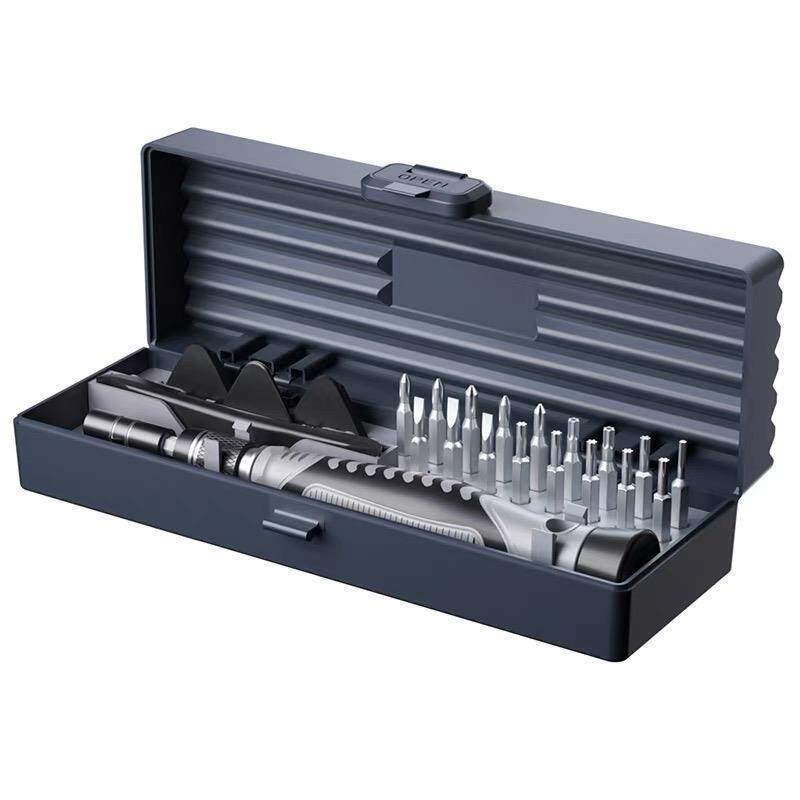
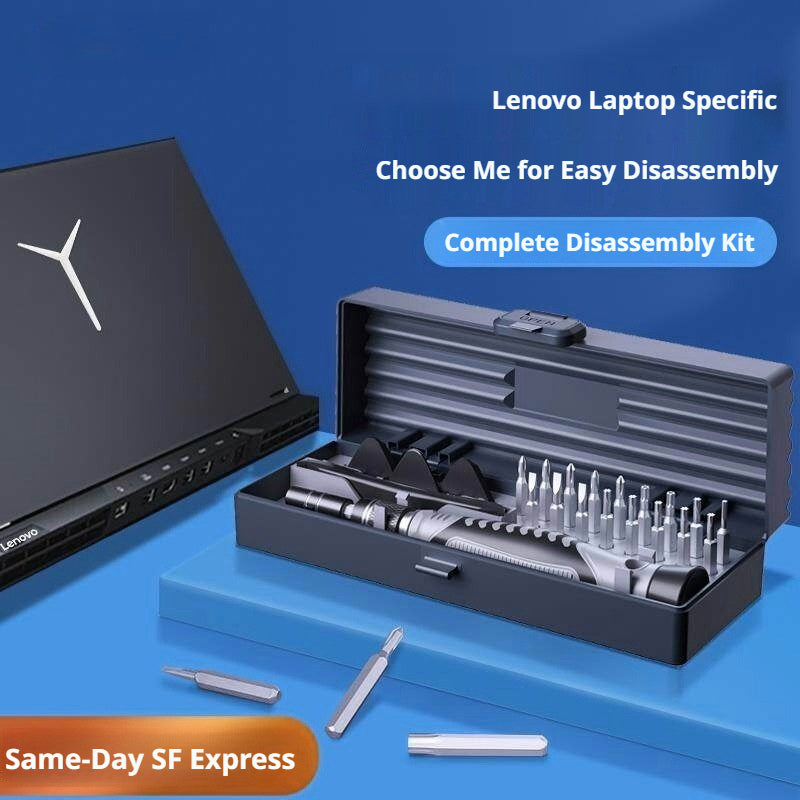
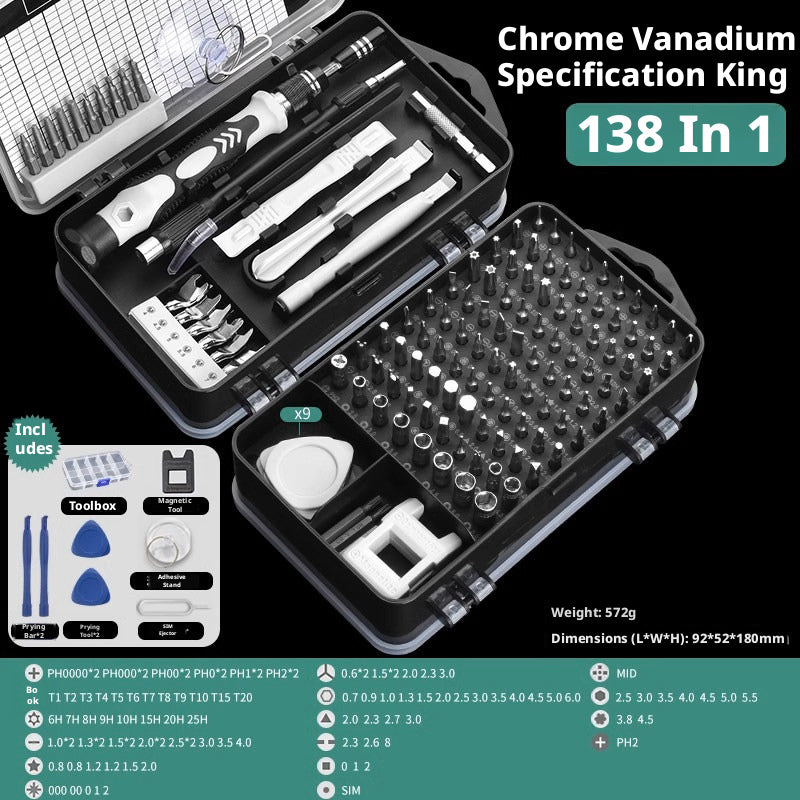
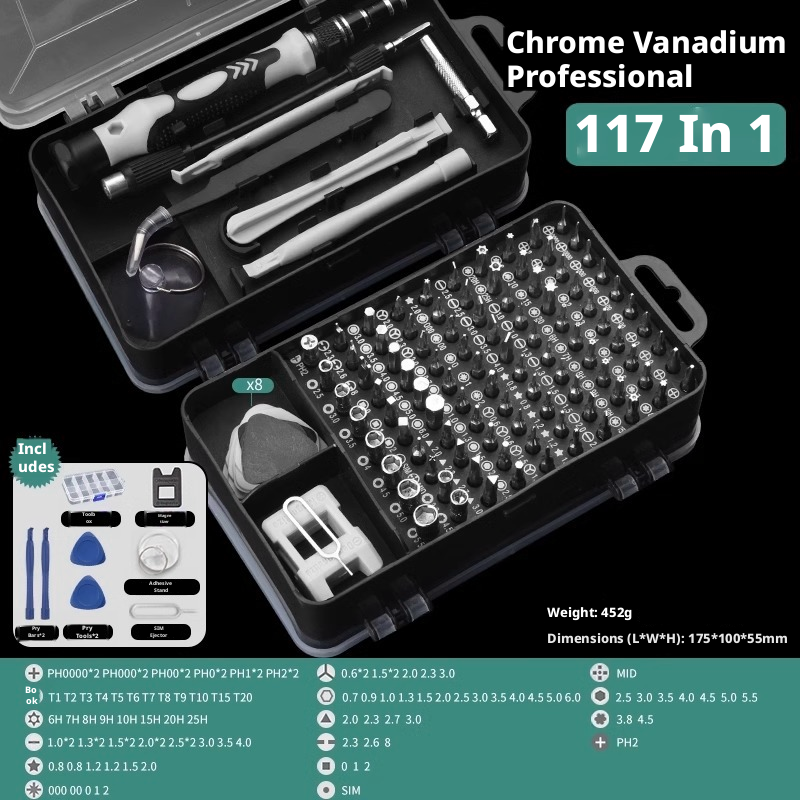
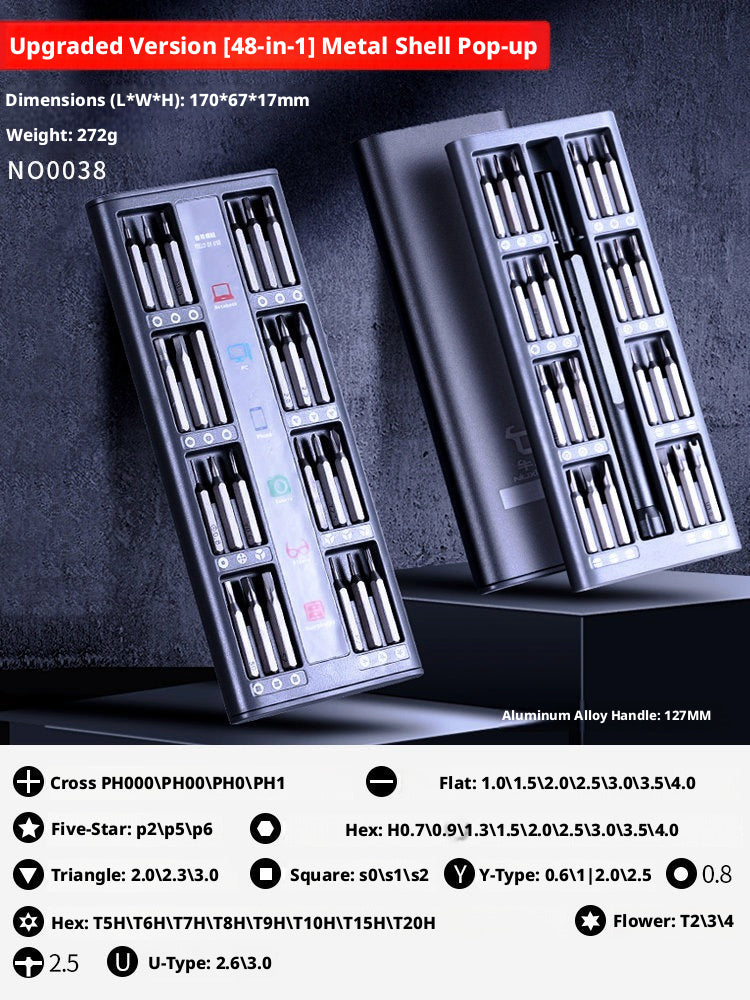
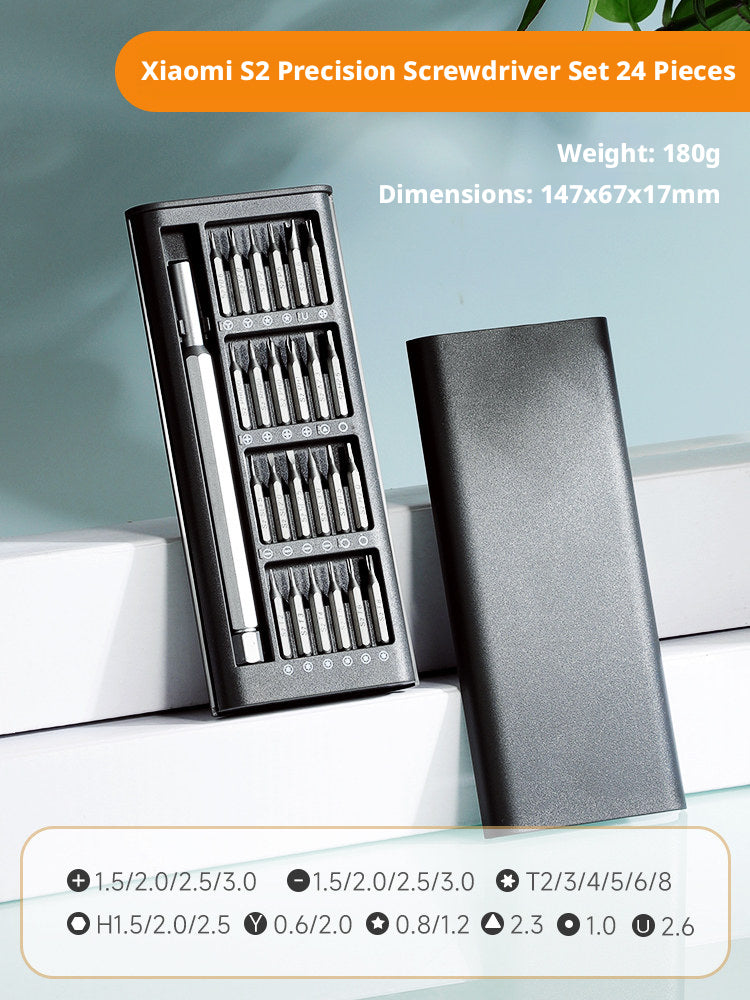
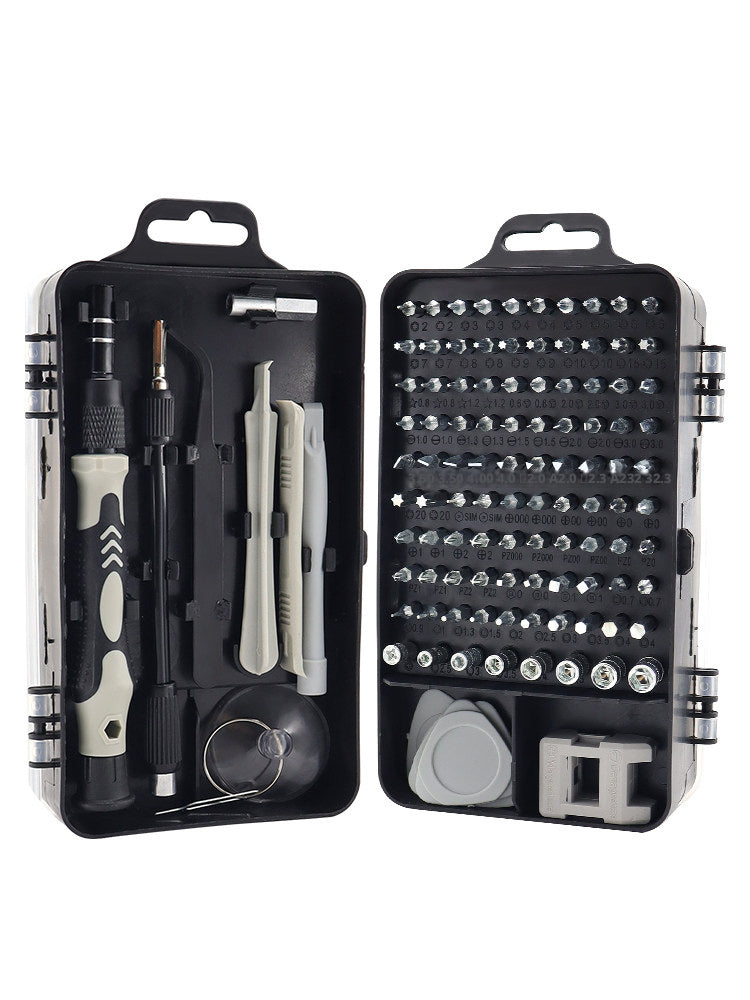
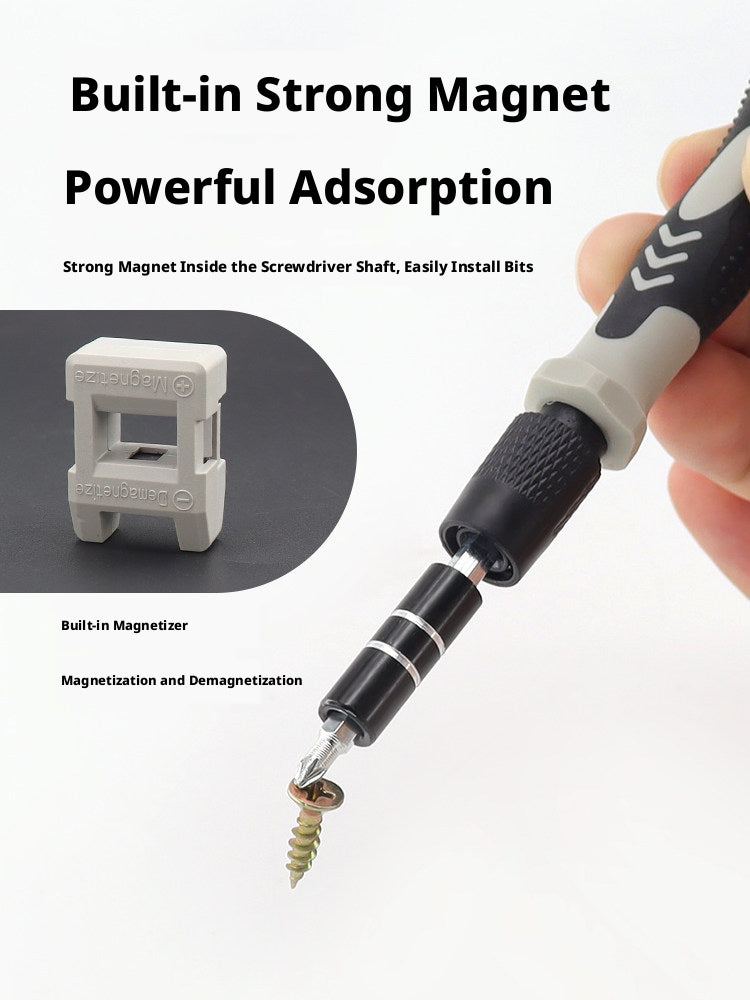
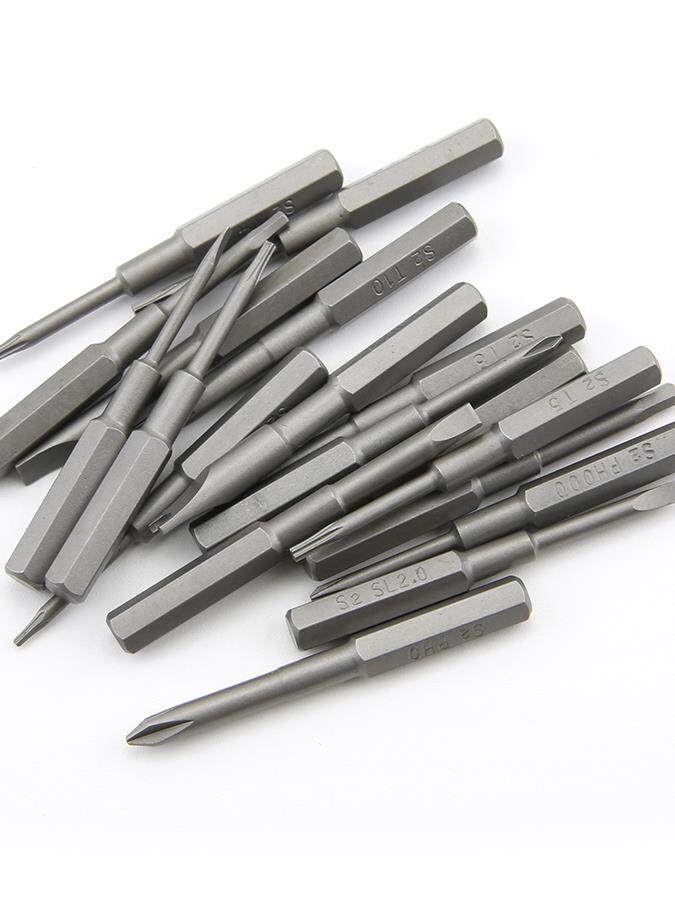
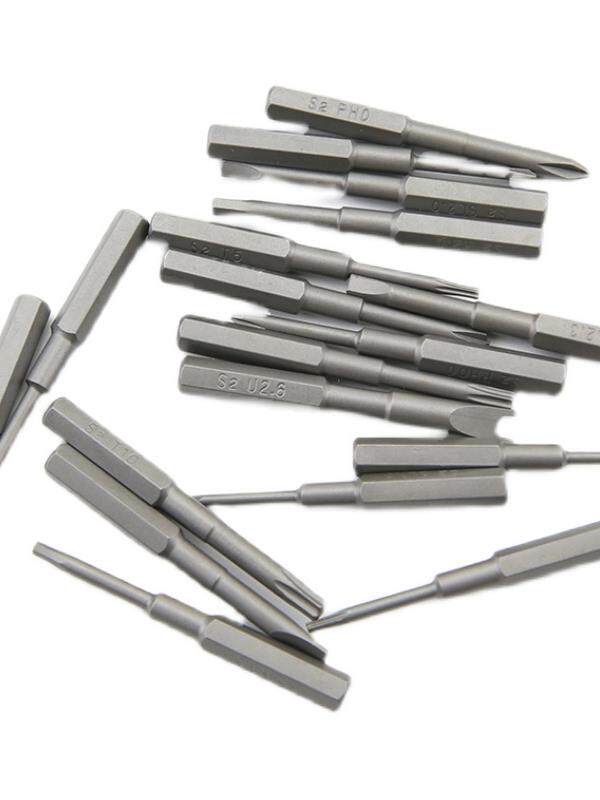
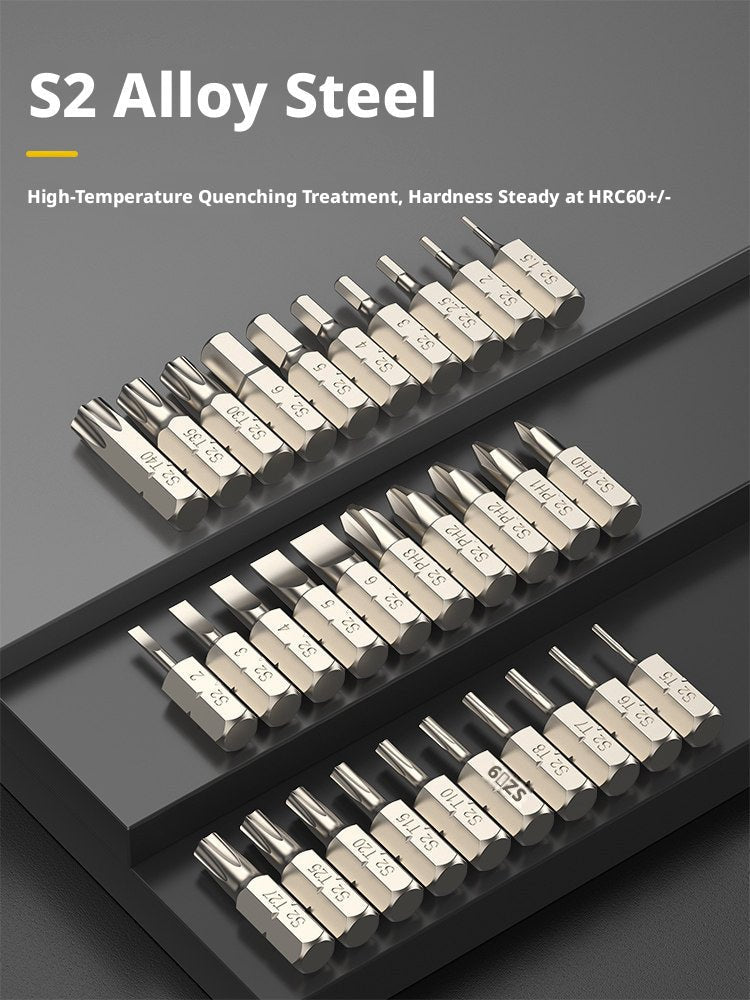
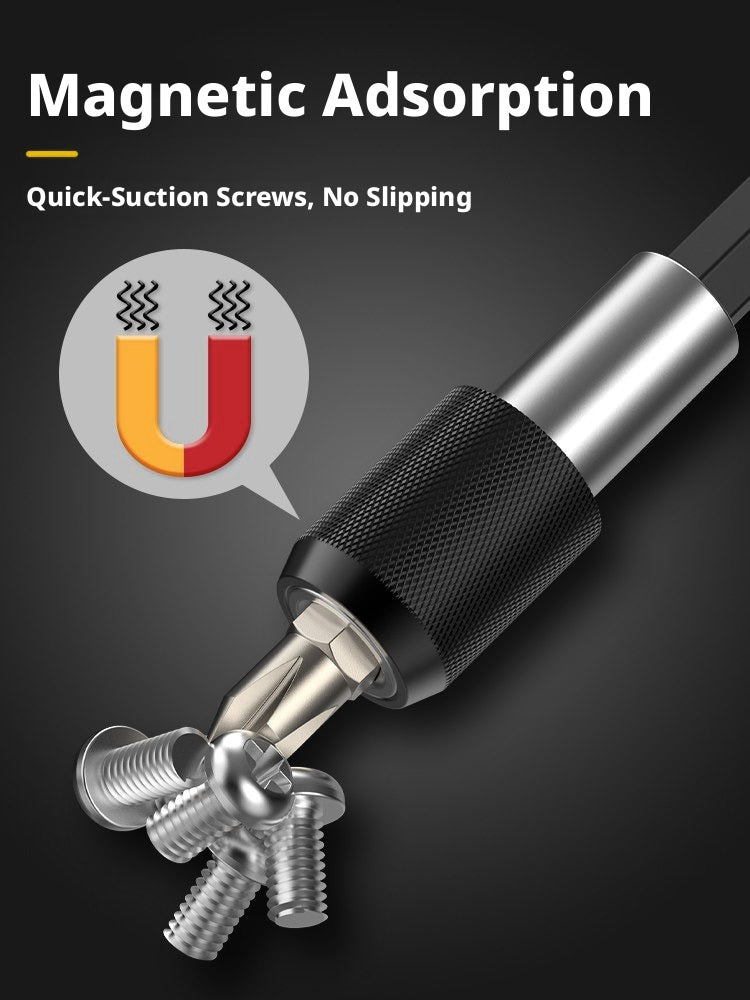
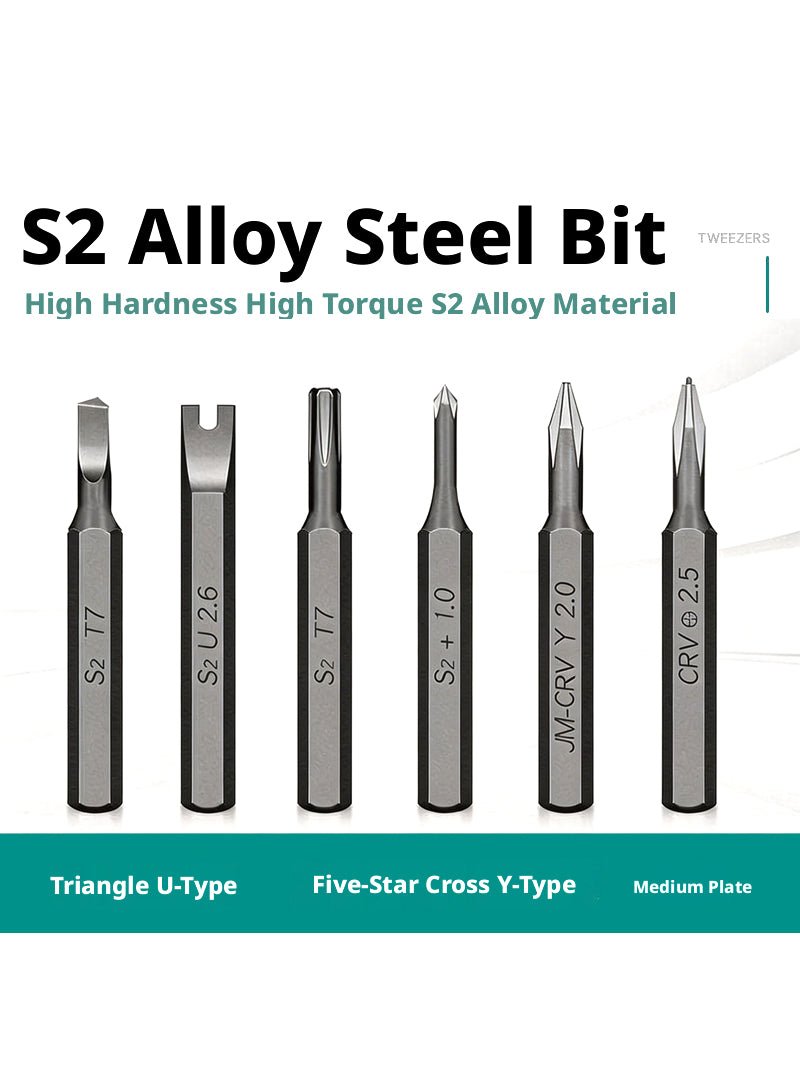
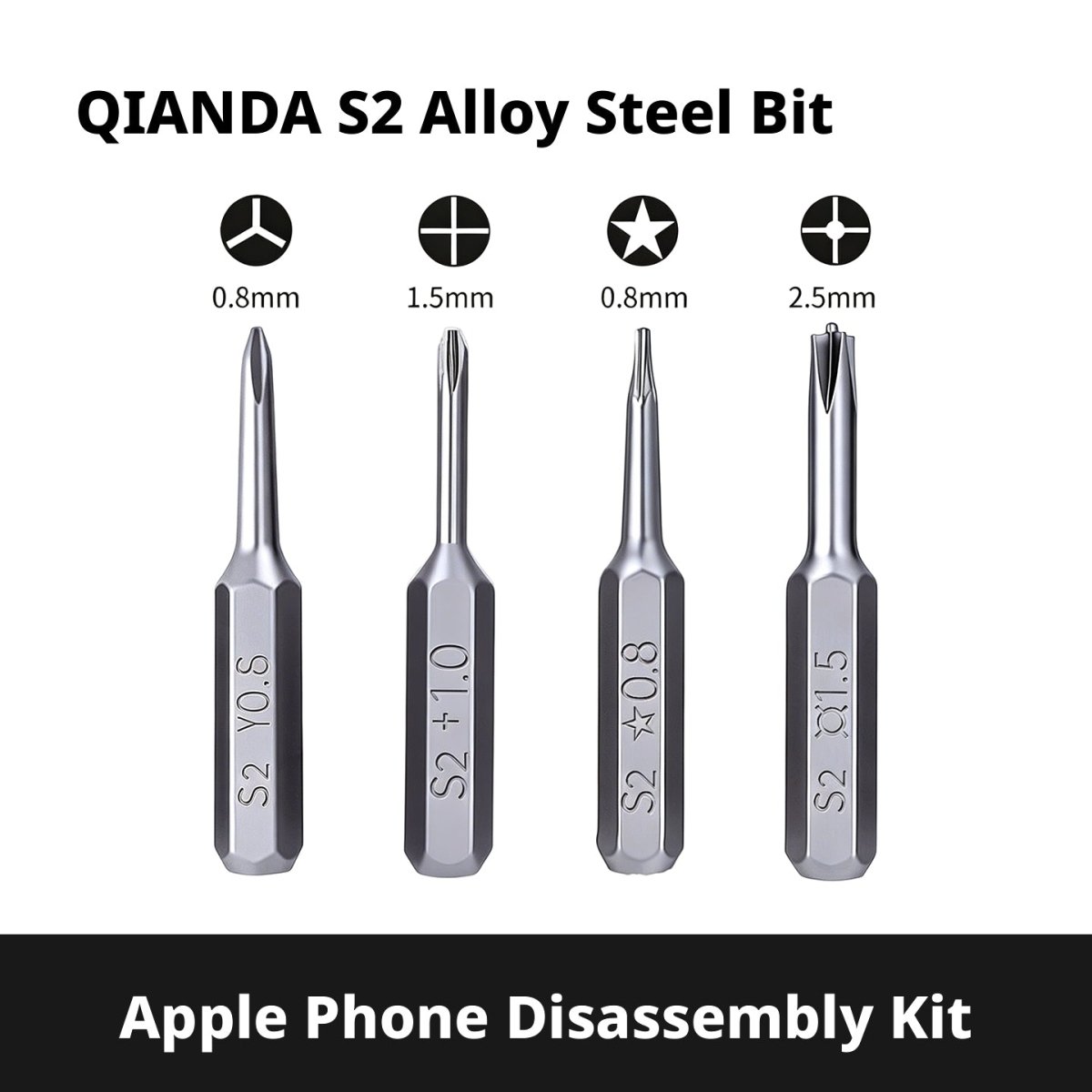
The foundation of any computer repair kit is a quality precision screwdriver set. Our S2 steel bit sets range from compact 25-in-1 kits to comprehensive 145-in-1 collections, covering every drive type you'll encounter — Phillips #0 through #2, Torx T2 through T20, Pentalobe P2/P5, hex, slotted, and more. Magnetic tips hold tiny motherboard screws in place, and the extended 5mm/6mm shank options reach deep into laptop chassis without slipping. Whether you're servicing a MacBook, a Lenovo ThinkPad, or a custom ATX build, there's a set sized for the job.
Anti-Static ESD Cleaning Kits for PC & Motherboard
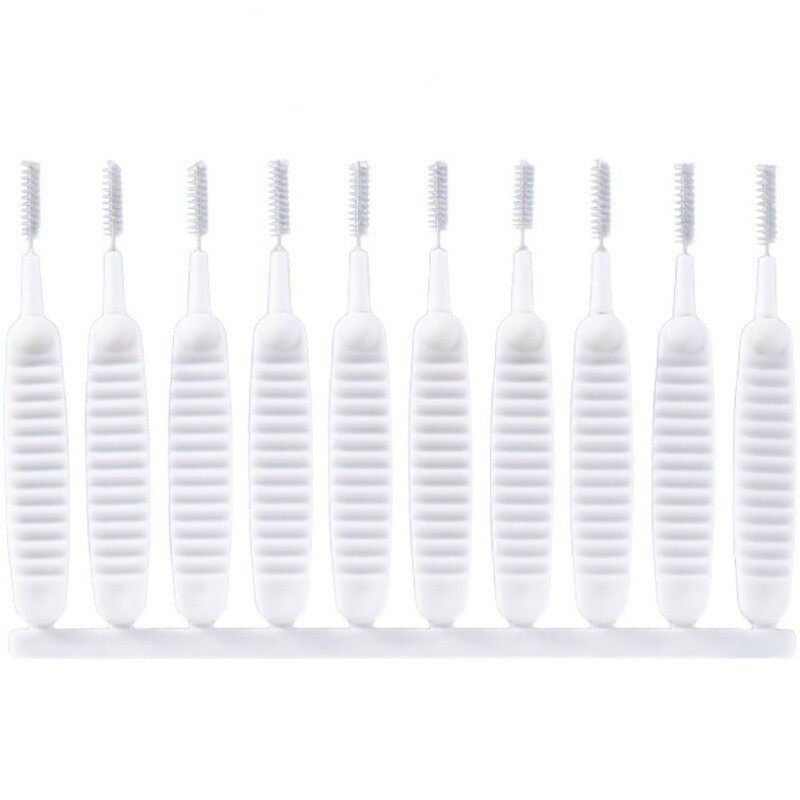
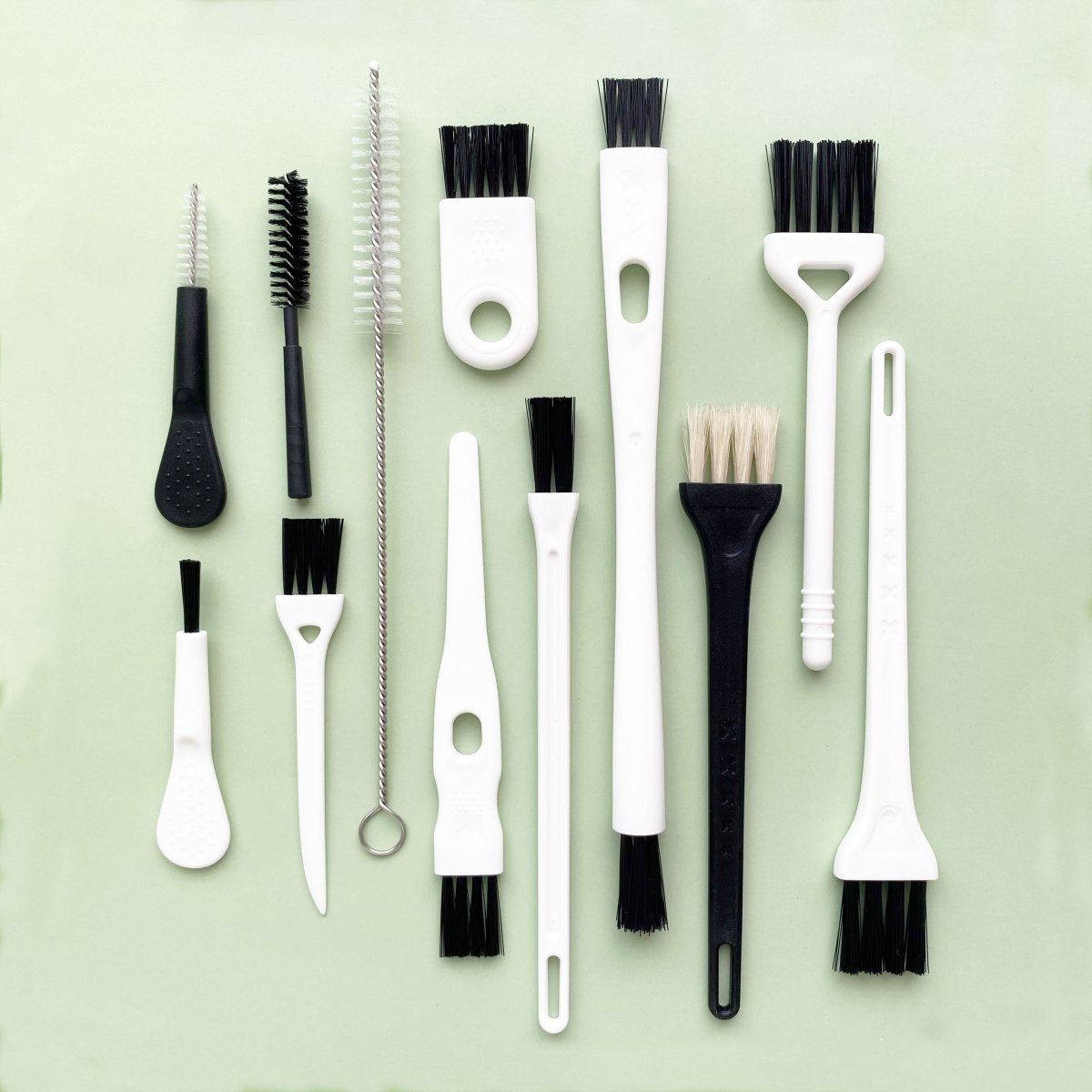
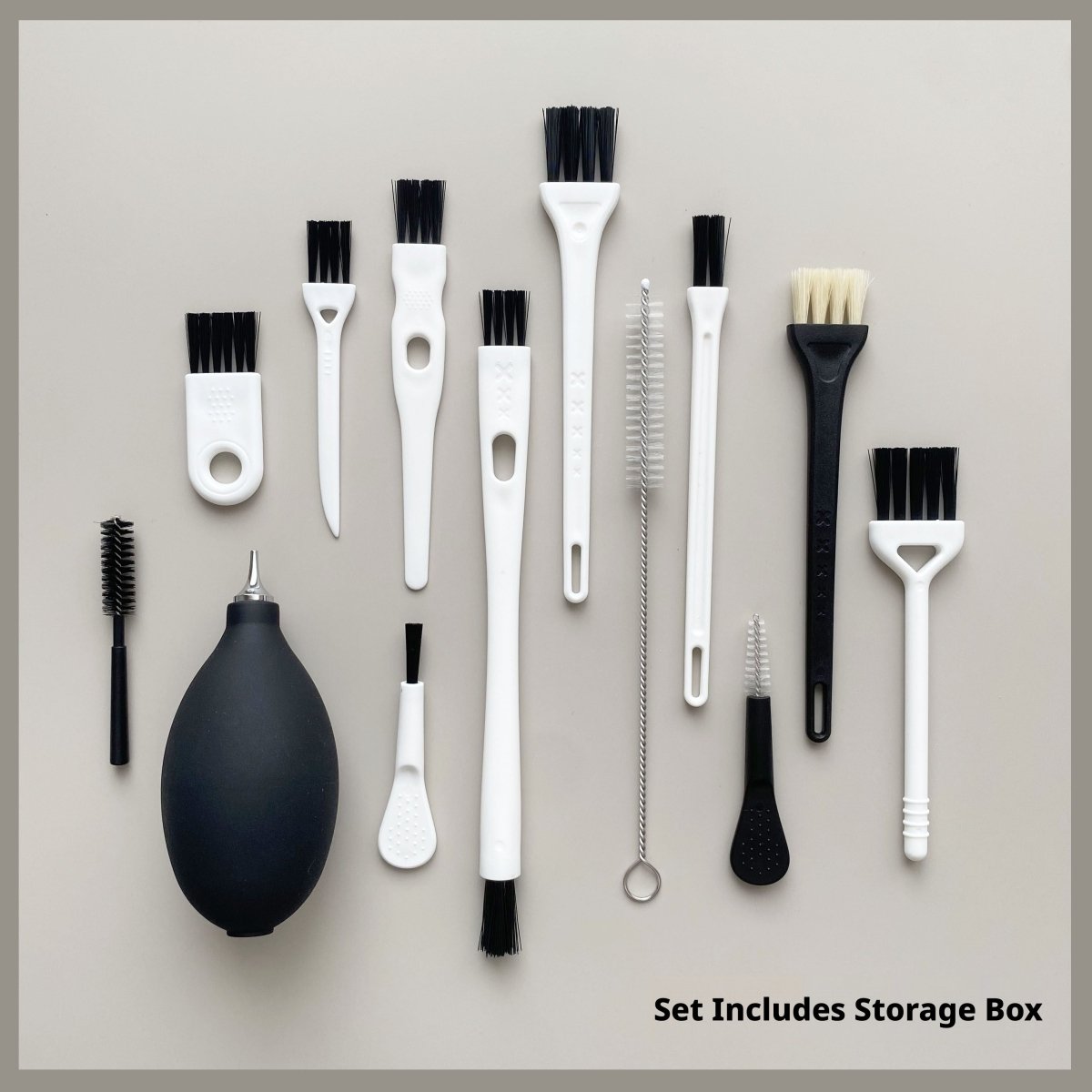
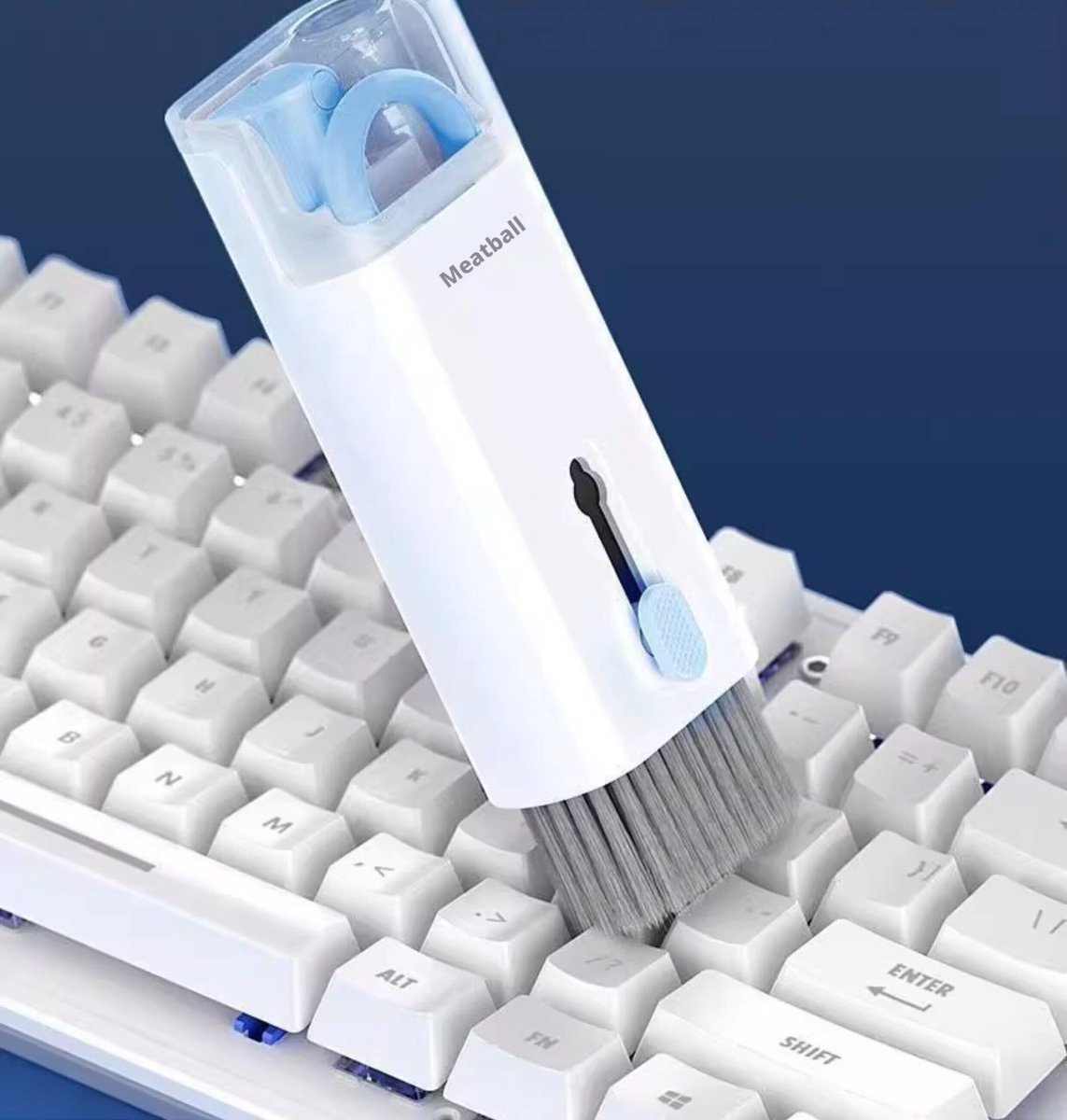
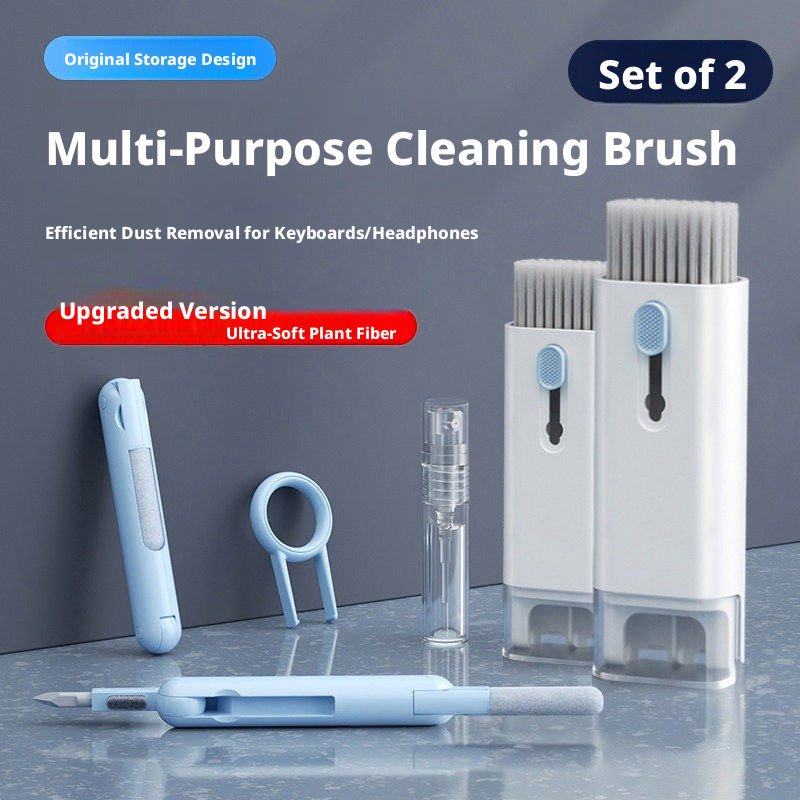
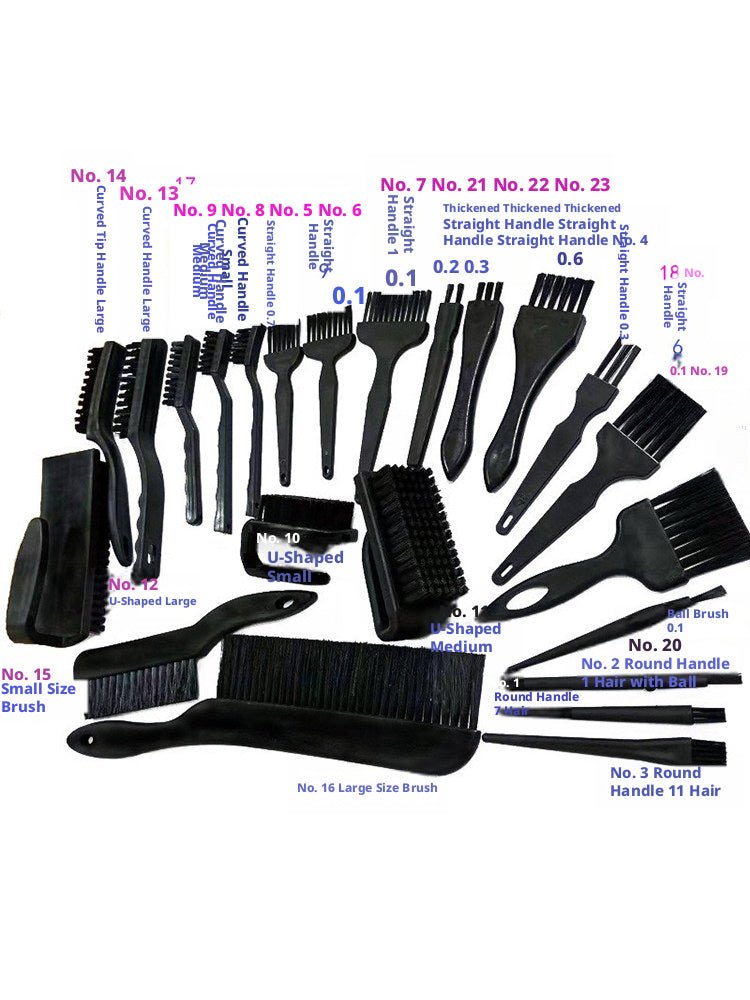
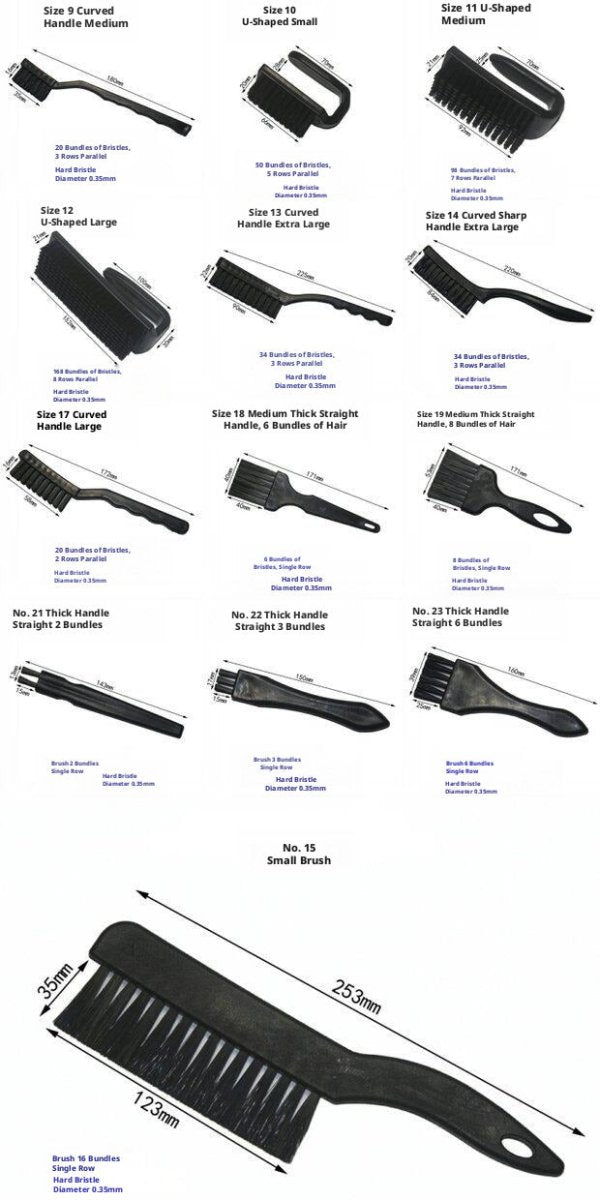
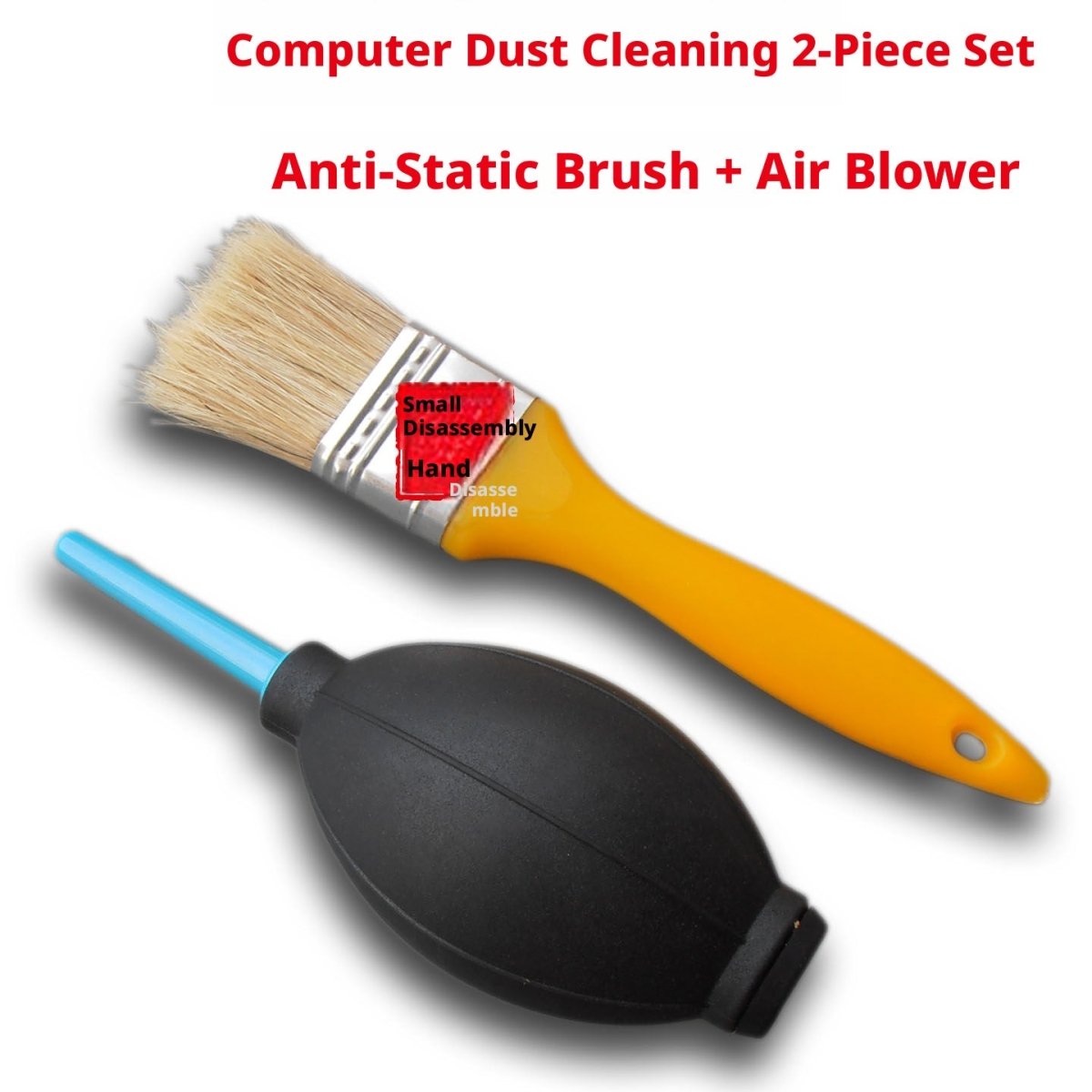
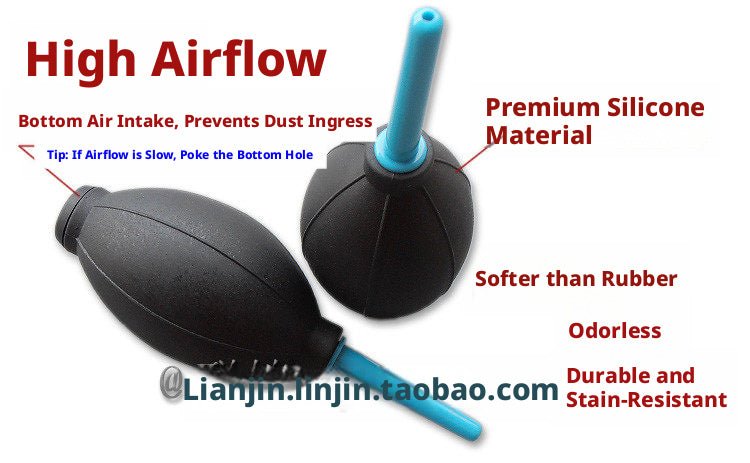
Dust is a silent killer for electronics — it traps heat, causes shorts, and degrades performance over time. Our ESD-safe cleaning brush sets (up to 23 pieces) use pig-bristle and nylon brushes that won't generate static charge on sensitive components like RAM slots, GPU contacts, and CPU sockets. Pair them with a handheld air blower to flush debris from heatsink fins and keyboard gaps. The 7-in-1 keyboard cleaning kit adds a keycap puller and earbud cleaner for a full desk refresh in one pass.
Laptop Disassembly Tool Kits — Spudgers, Picks & Suction Cups
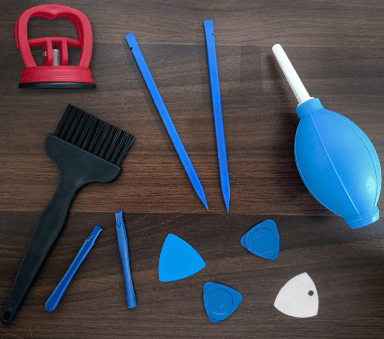
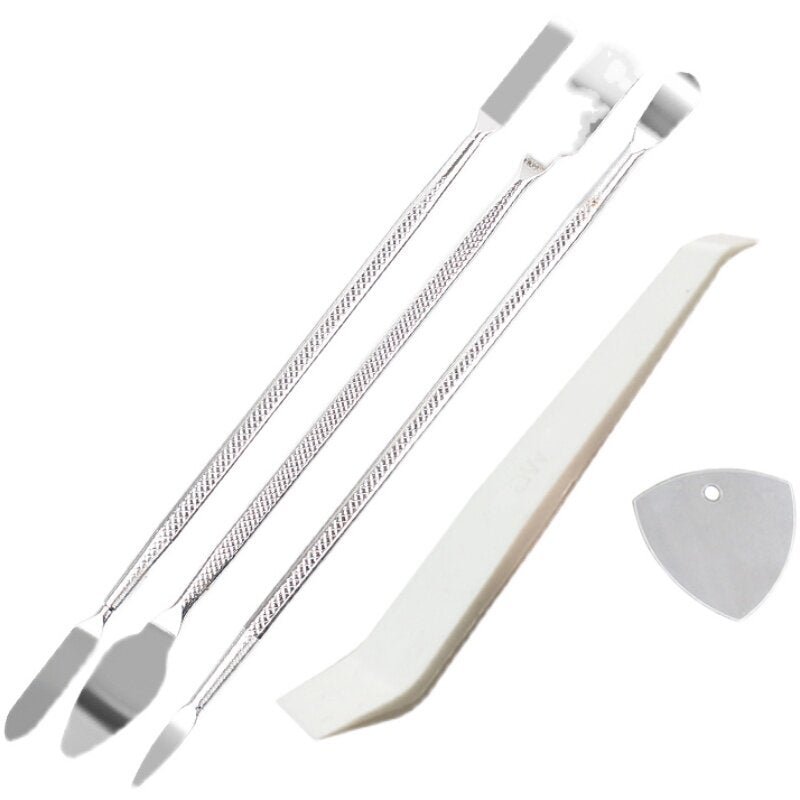
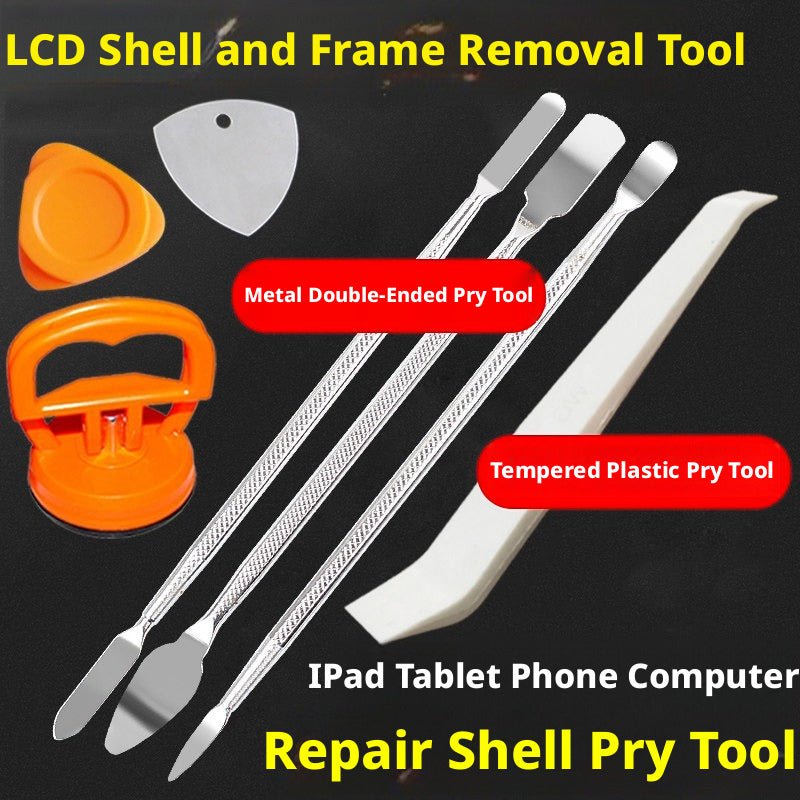
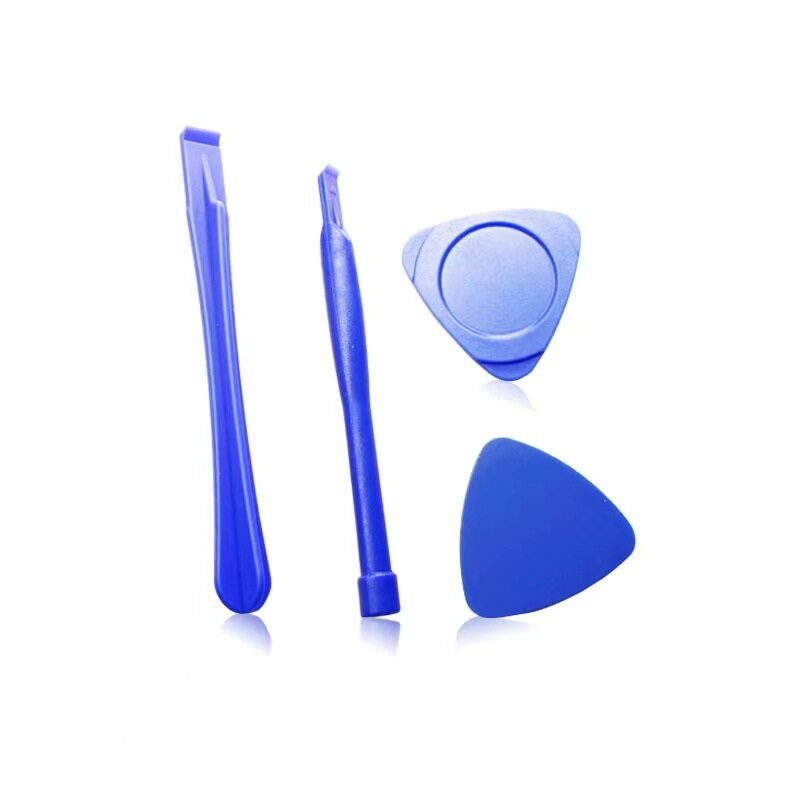
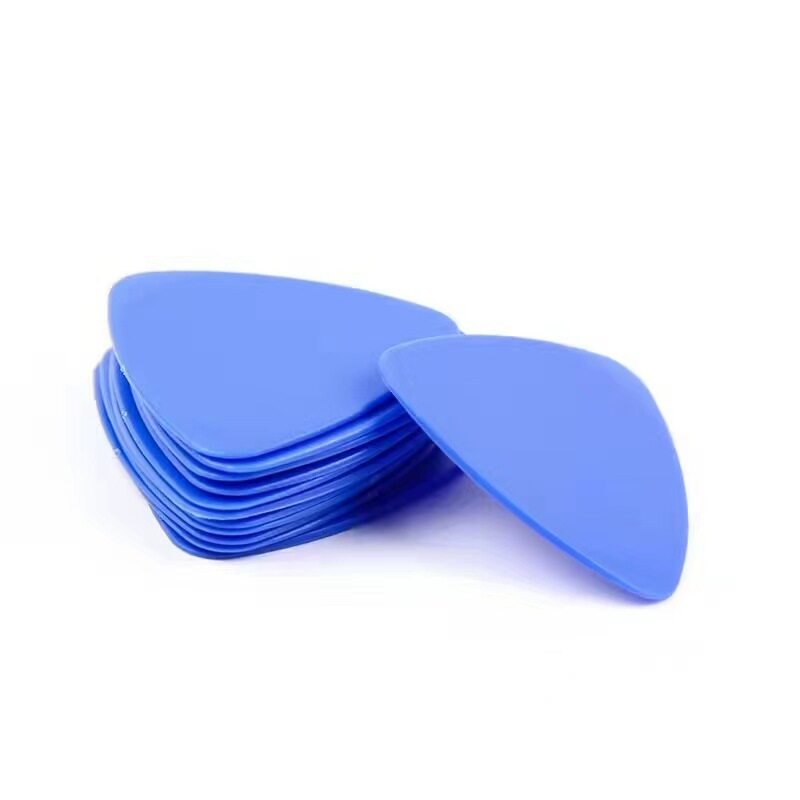
Modern ultrabooks and gaming laptops use snap-fit panels and adhesive strips that require plastic opening tools — not metal pry bars. Our laptop disassembly kits include suction cups for lifting glass panels, nylon opening picks for working around clips, plastic spudgers for disconnecting ribbon cables, and an air blower for clearing debris before reassembly. The 100-piece anti-static opening tool set extends coverage to phones, game consoles, and LCD screens, making it a versatile addition to any tech repair bench.
PC Case Screws, Motherboard Standoffs & Fan Hardware
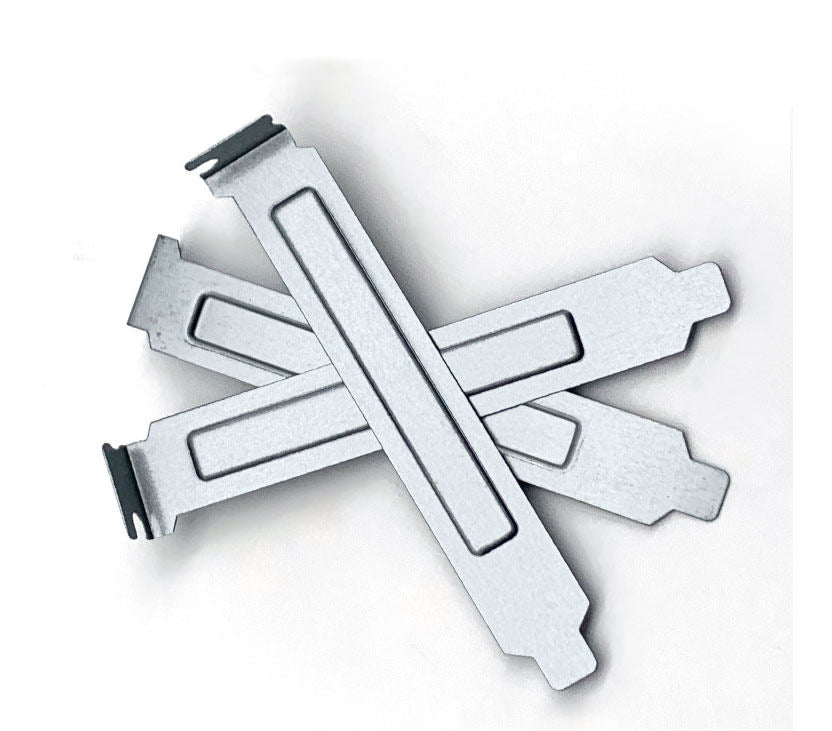
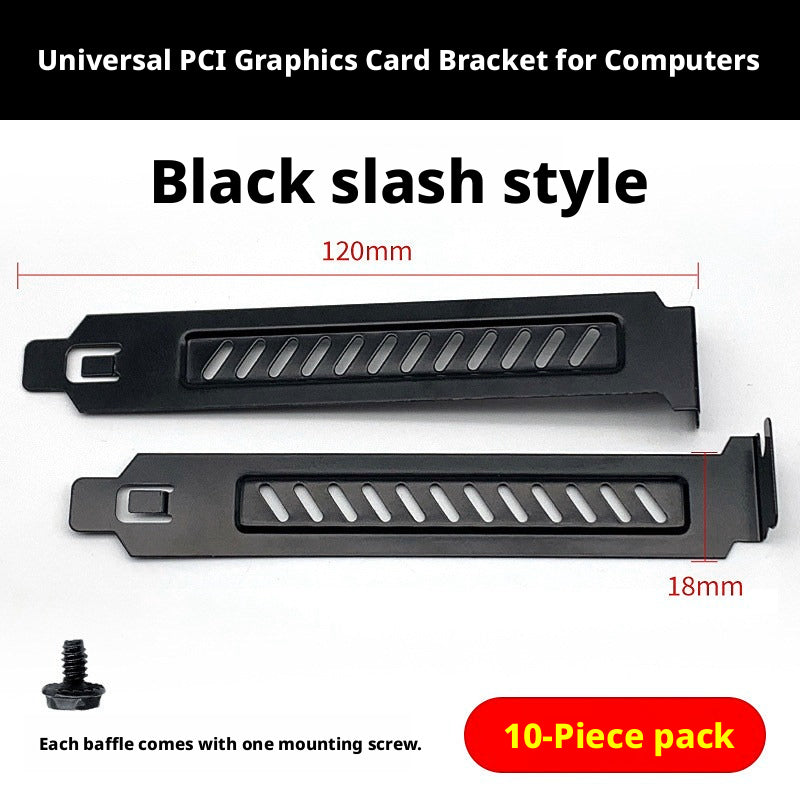
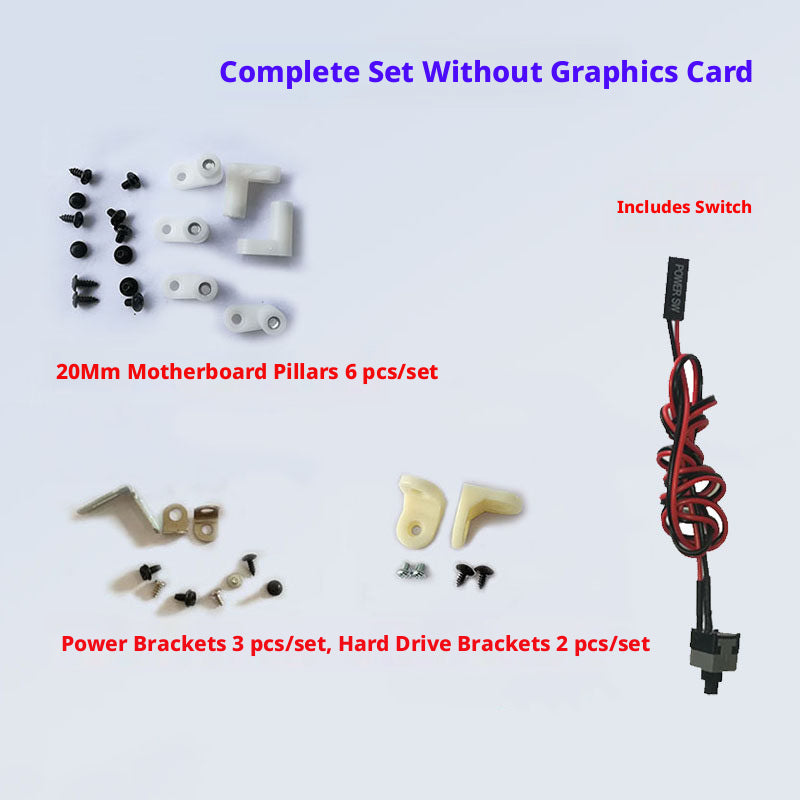
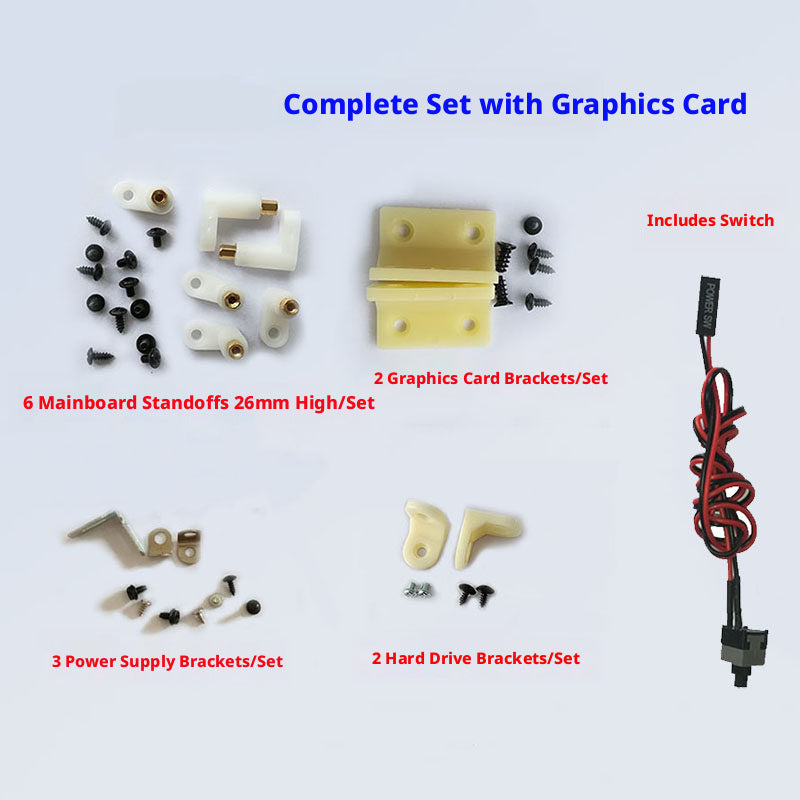
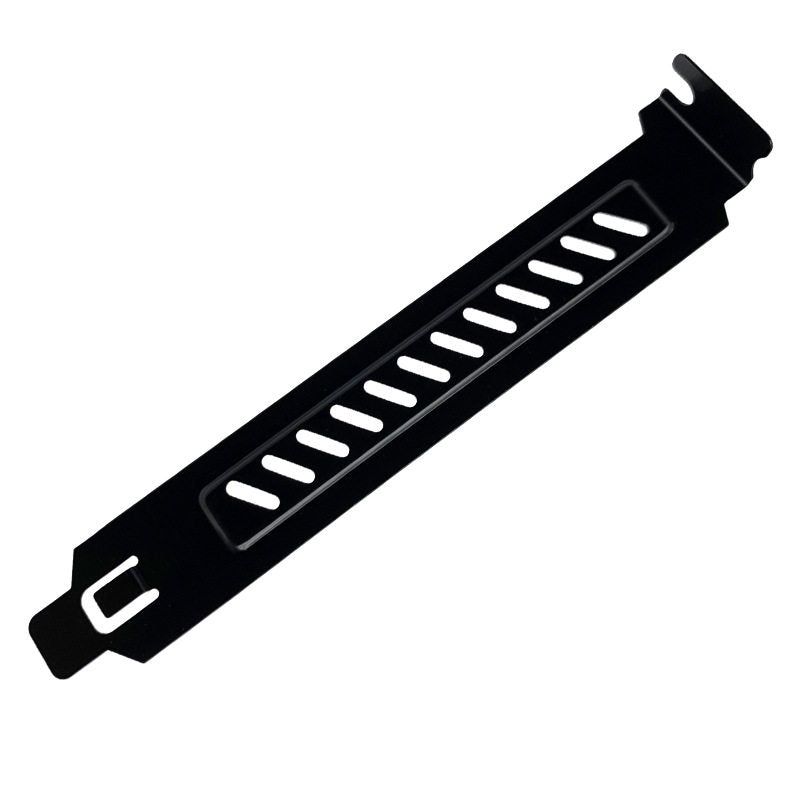
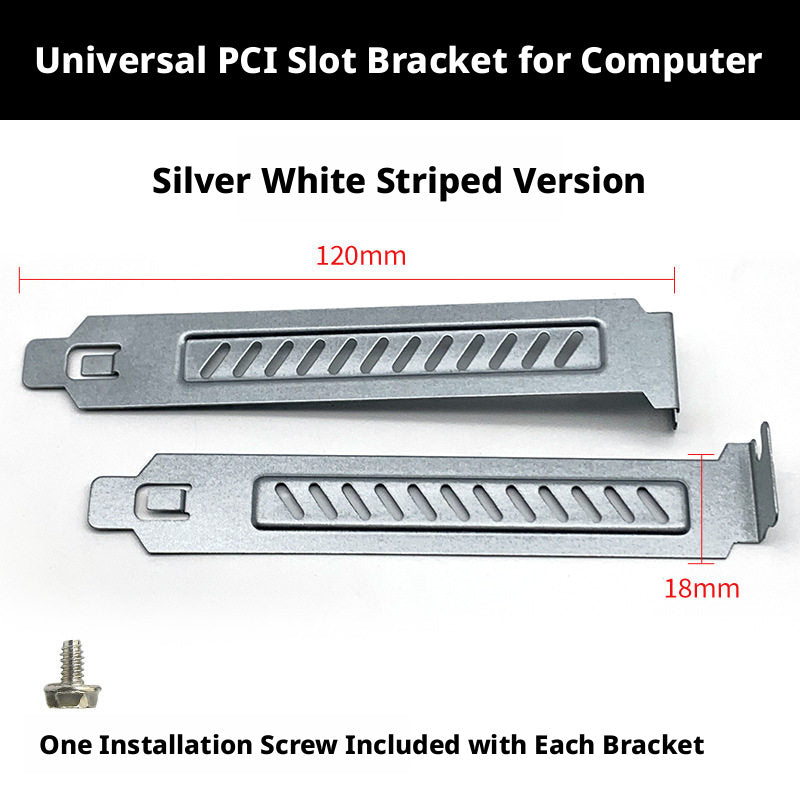
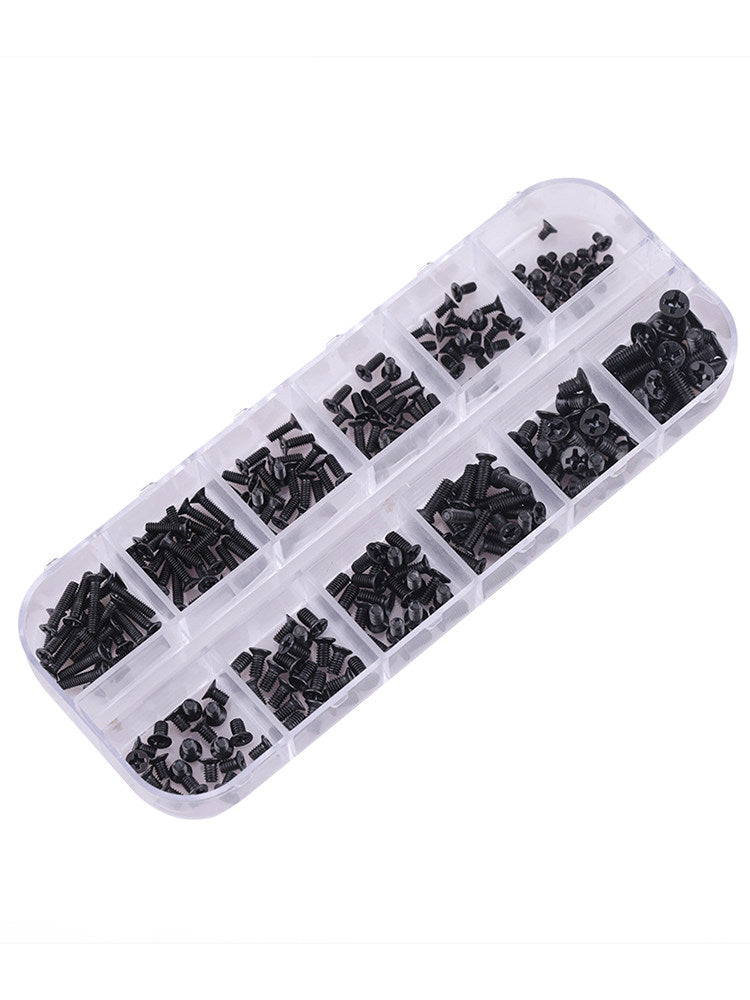
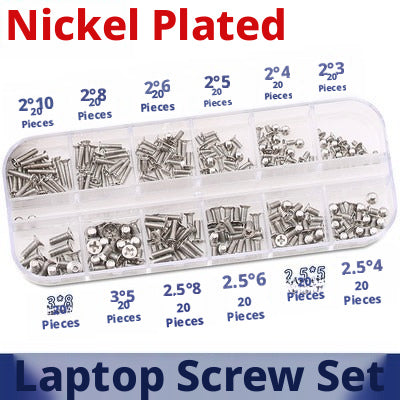
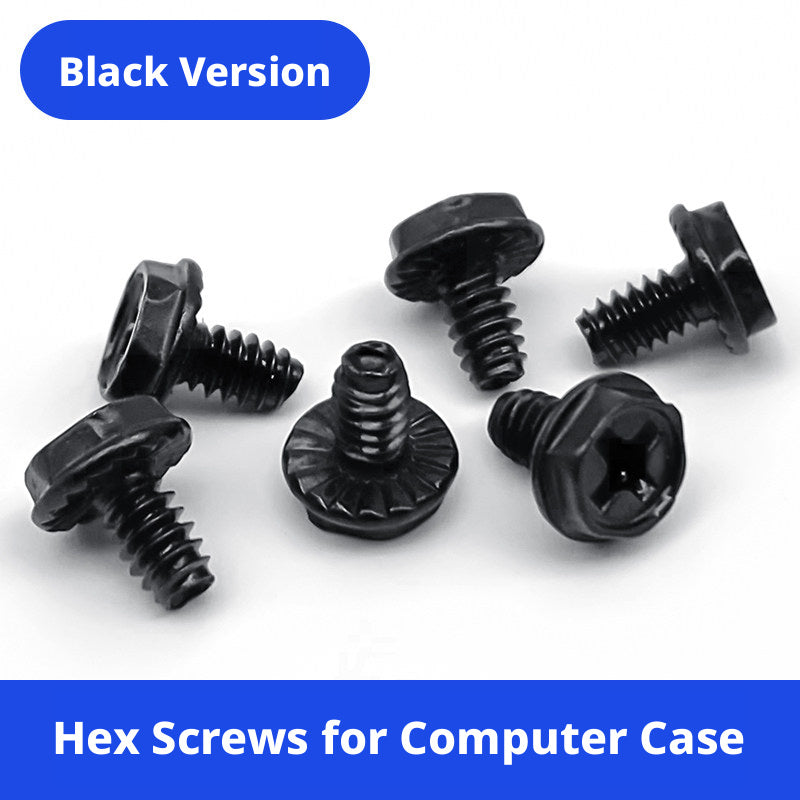
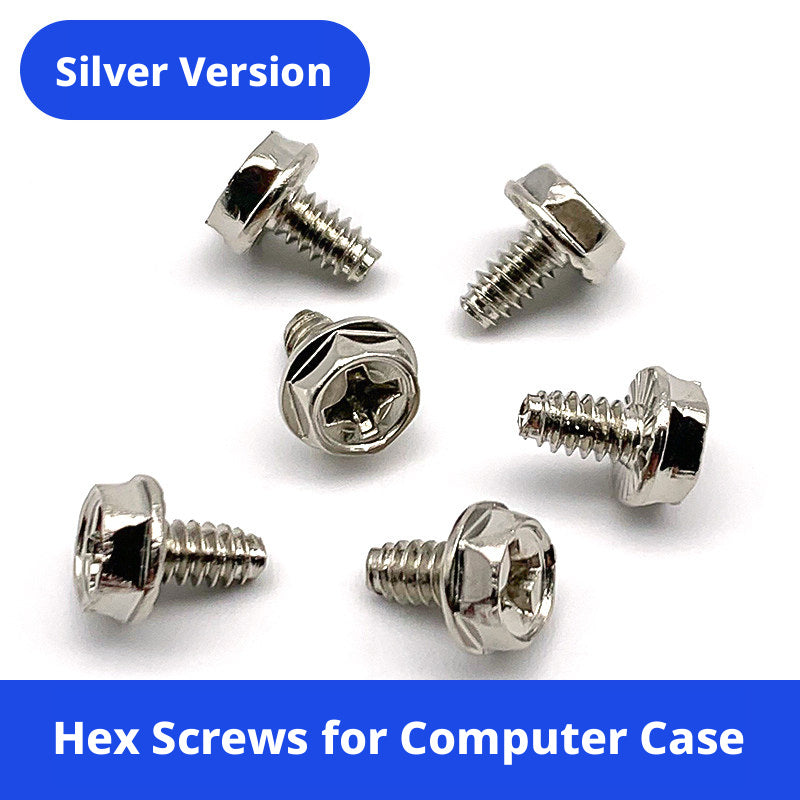
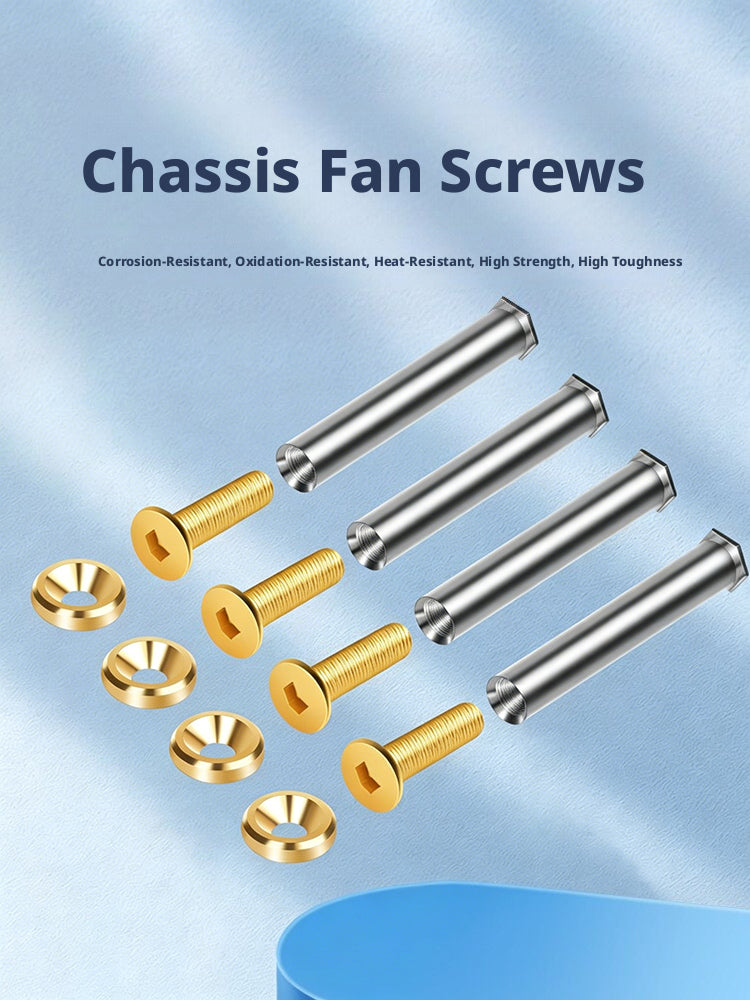
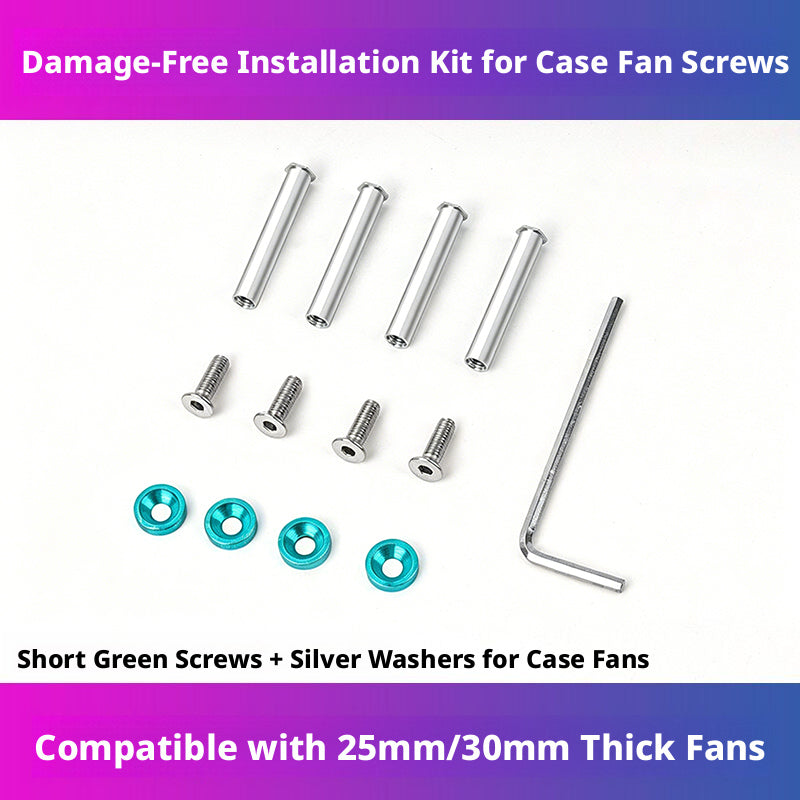
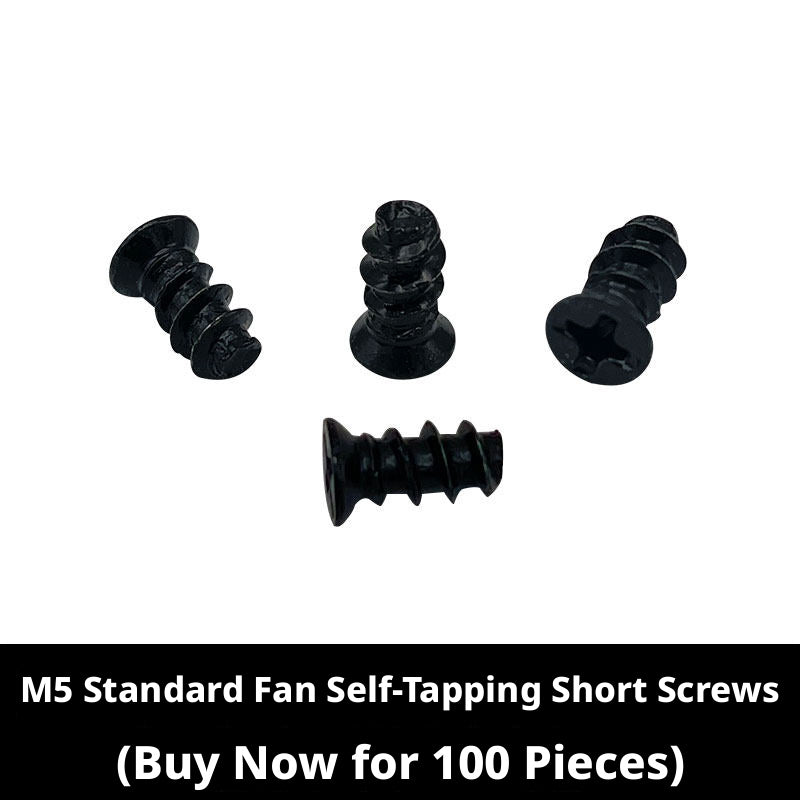
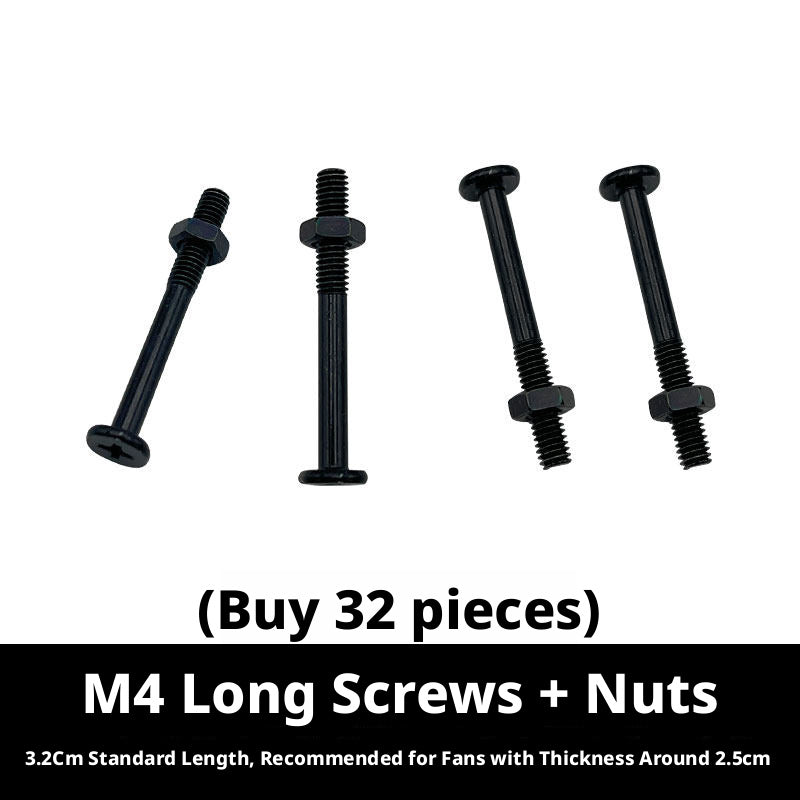
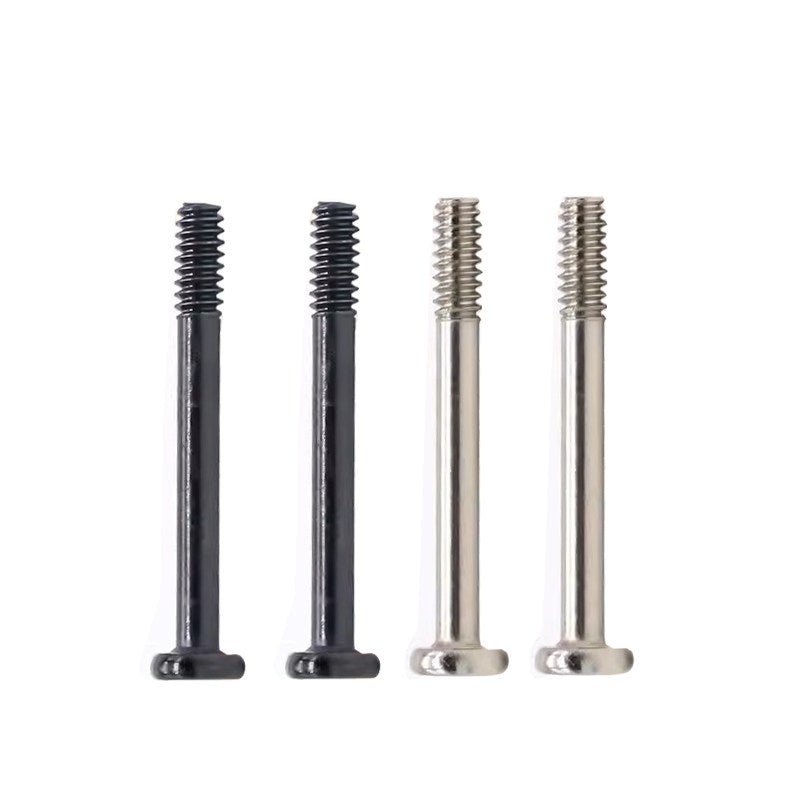
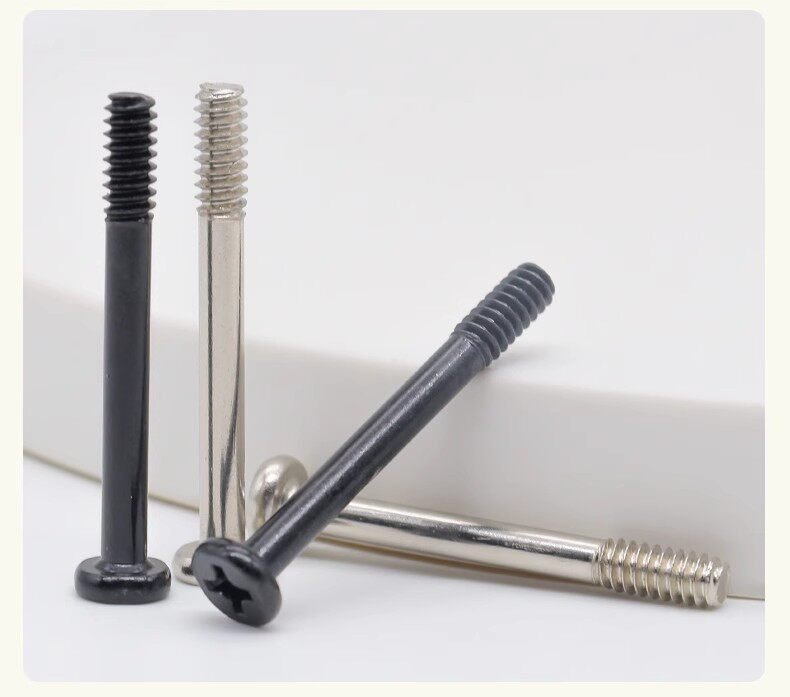
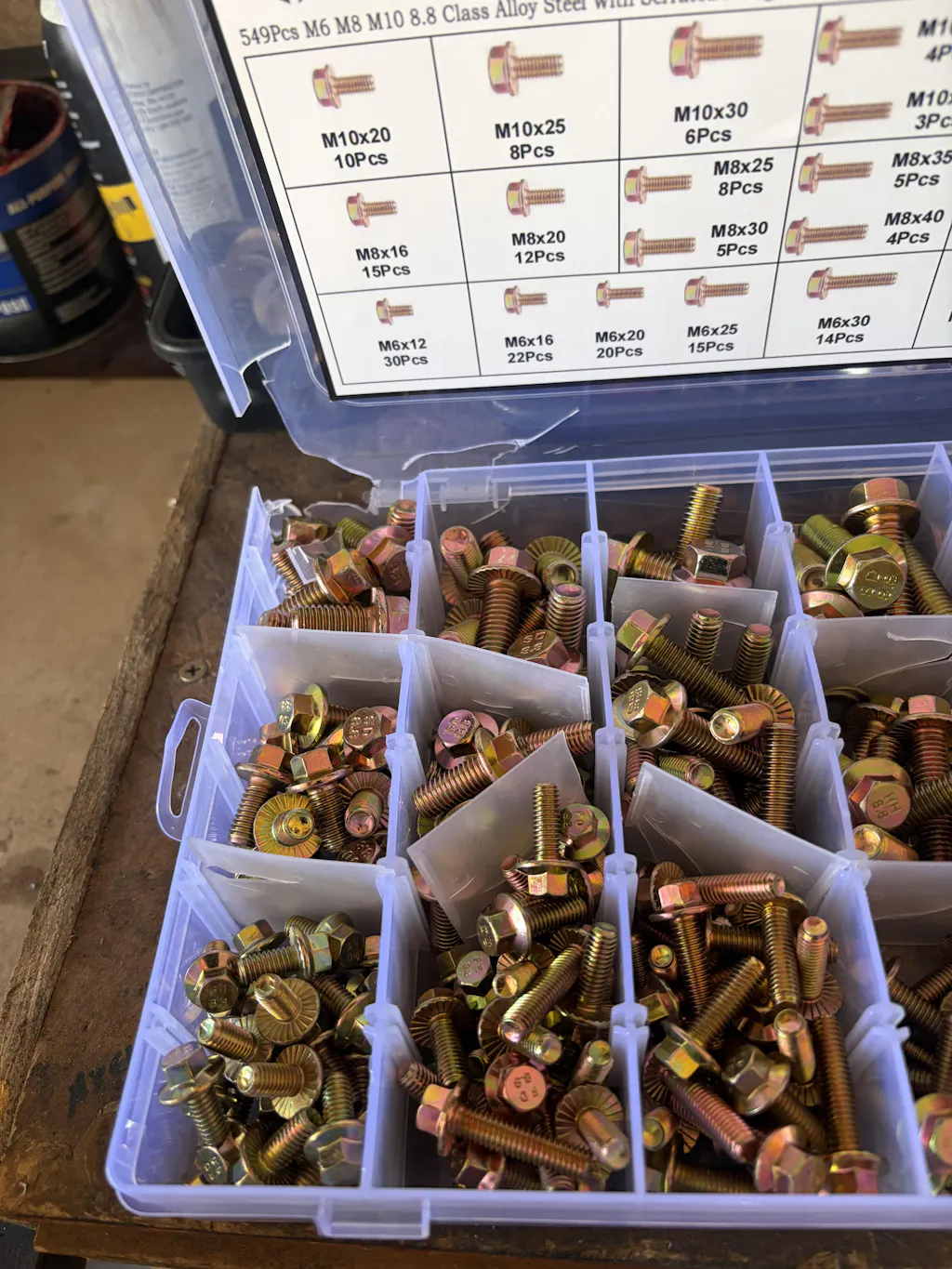
Running out of the right screw mid-build is one of the most common — and most avoidable — frustrations in PC assembly. Our 332-piece computer screws and motherboard standoffs assortment covers #6-32 UNC, M3, and M3.5 in one organized kit. Fan mounting screws come with anti-vibration O-rings and washers to reduce resonance noise. PCI slot cover brackets and vented covers let you manage airflow and aesthetics without hunting for proprietary hardware. Keep a full assortment on hand and you'll never be stopped by a missing fastener.
Thumb Screws & Hand-Grip Knobs for PC Case Panels
If you're regularly accessing your PC for upgrades or maintenance, thumb screws are a quality-of-life upgrade worth making. Our aluminum knurled thumb screws come in M2.5, M3.5, and #6-32 UNC sizes with flat heads and anodized color options — so you can match your build's aesthetic while ditching the screwdriver for panel removal. They're especially popular with open-bench builders, LAN party regulars, and anyone who swaps GPUs or storage drives frequently.
HDD & SSD Mounting Screws with Screwdriver Kits
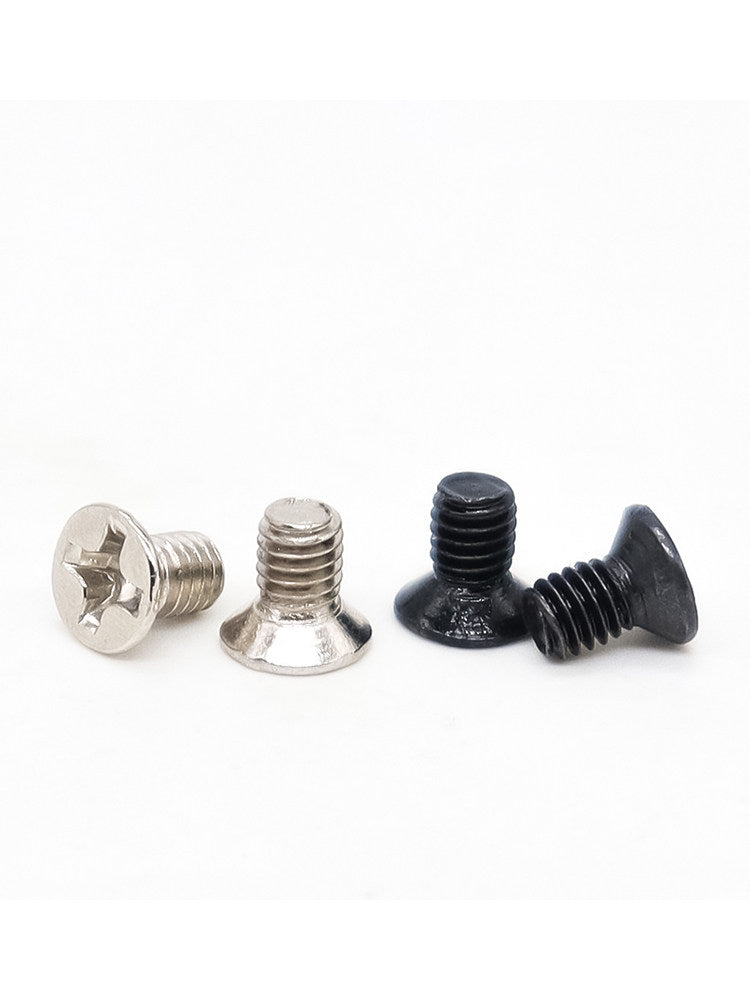
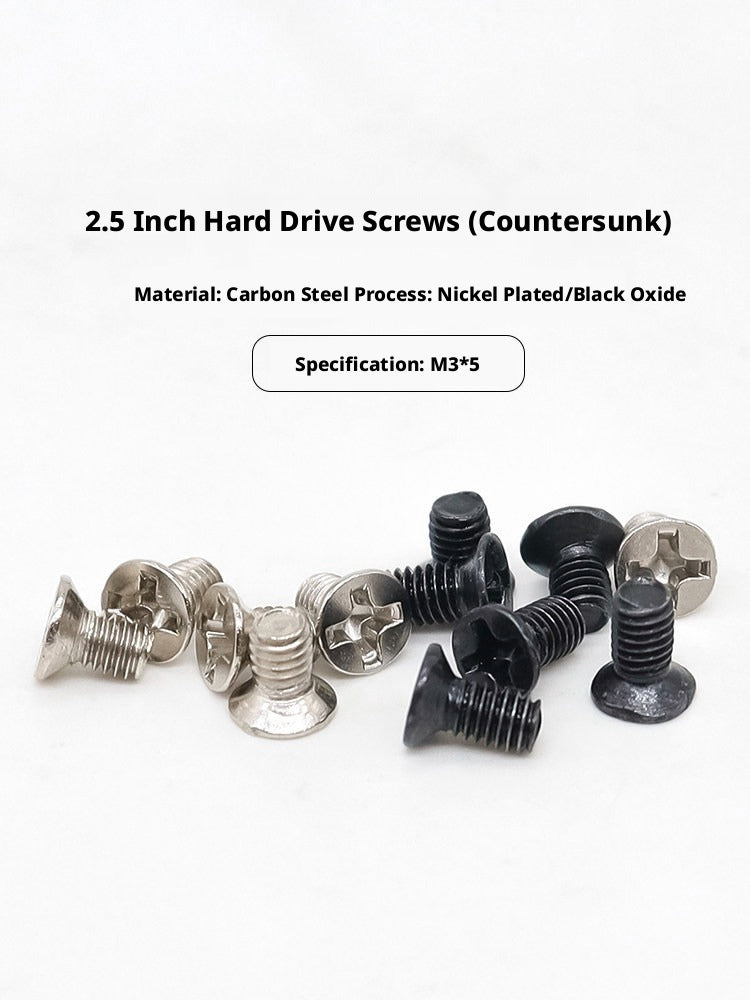
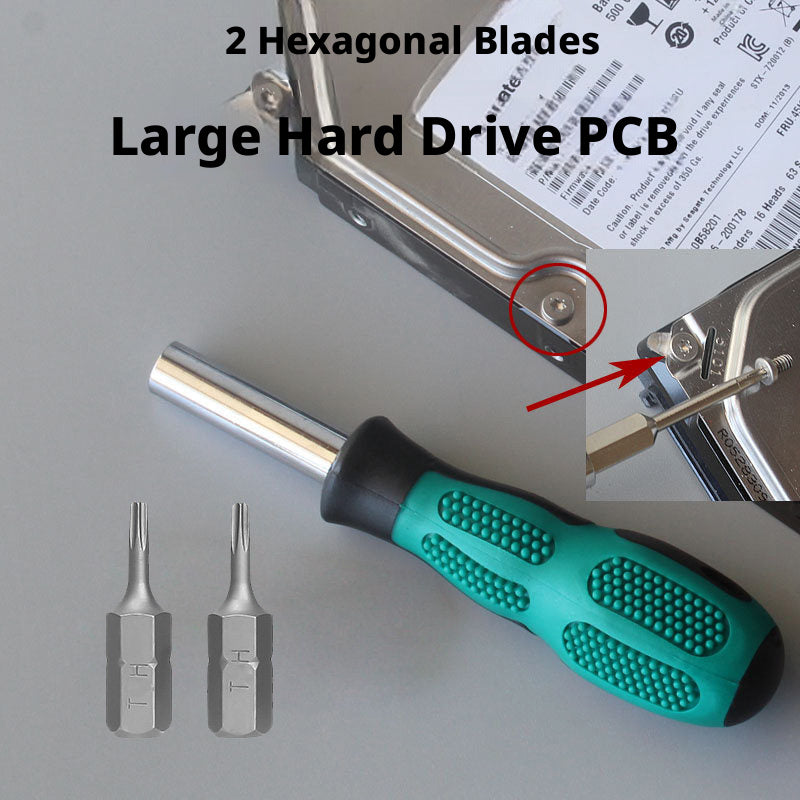
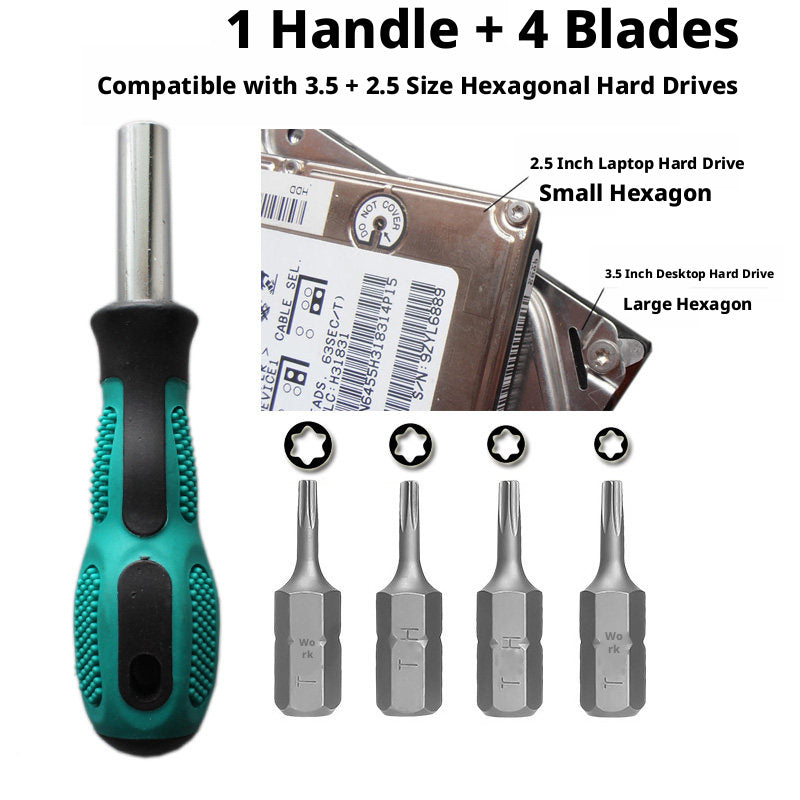
Installing a 2.5-inch SSD or HDD requires M3×5 screws — a size that's easy to lose and hard to find at a hardware store. Our 2.5-inch HDD mounting screw kit bundles the correct M3 screws with a matching precision screwdriver so you have everything for the swap in one package. The hard drive screwdriver repair kit adds Torx T6 and T8 bits for HDD disassembly, useful when recovering data from a failing drive or replacing platters. The 320-piece M2/M2.5/M3 machine screw assortment rounds out your fastener inventory for keyboards, laptop hinges, and internal brackets.
Maintenance Tips for Your Computer Repair Tools
Run through this quick checklist each season to keep your repair kit in top shape and your tools ready when you need them:
- Inspect screwdriver bits for wear — rounded Phillips tips strip screws faster than a worn bit. Replace any bit that shows visible rounding at the tip.
- Check that magnetic tips still hold a screw at arm's length. If magnetism has weakened, re-magnetize using a rare-earth magnet or replace the bit.
- Clean ESD brushes by rinsing bristles in isopropyl alcohol (90%+) and allowing to fully dry before use on electronics.
- Inspect plastic spudgers and opening picks for cracks or sharp edges that could scratch device surfaces — replace any that are chipped.
- Audit your screw assortment after each build and restock any sizes that are running low, especially #6-32 and M3 which are used most frequently.
- Store all tools in a dry, low-humidity environment. Moisture accelerates corrosion on steel bits and can degrade the anti-static properties of ESD brushes.
Frequently Asked Questions — Computer Repair & Upgrade Tools
What tools do I need to repair or upgrade a desktop PC?
For most desktop PC repairs and upgrades, you'll need a precision screwdriver set (Phillips #0, #1, and #2 are the most common), an anti-static wrist strap or ESD-safe brush, a pry tool or spudger for cable management, and a set of PC case screws including M3, M3.5, and #6-32 sizes. A magnetic parts tray and a can of compressed air or an air blower round out a solid starter kit.
What is the difference between a precision screwdriver set and a standard screwdriver?
Precision screwdriver sets use smaller, interchangeable bits — often S2 steel — designed for the tiny fasteners found in laptops, motherboards, and smartphones. Standard screwdrivers are too large for most PC hardware and can strip delicate screws. A 60-in-1 or 114-in-1 precision kit gives you Torx, Pentalobe, Phillips, and hex bits in one compact case.
Do I need anti-static tools when working inside a computer?
Yes. Electrostatic discharge (ESD) can silently damage RAM, GPUs, and motherboards. Using ESD-safe brushes, anti-static opening tools, and grounding yourself before touching components significantly reduces this risk. Our 23-piece ESD-safe cleaning brush set is specifically designed for PC and motherboard work.
What screws are used in PC cases and motherboards?
PC builds typically use three screw types: #6-32 UNC for case panels and drive bays, M3 for 2.5-inch SSDs and HDDs, and M3.5 for 3.5-inch hard drives. Motherboard standoffs are usually brass #6-32. Our 332-piece computer screws and motherboard standoffs assortment covers all of these in one kit.
How do I safely open a laptop without damaging it?
Use a plastic spudger or opening pick to gently pry the bottom panel — never a metal screwdriver, which can scratch or crack the chassis. A suction cup helps lift the panel once the screws are removed. Our laptop disassembly tool kit includes suction cups, opening picks, spudgers, and an air blower for a complete no-damage teardown.
What is the best way to clean dust from a PC or laptop?
Use a combination of an anti-static brush and a handheld air blower to dislodge and remove dust from heatsinks, fans, and motherboard surfaces. Avoid canned air near spinning fans (it can over-spin and damage bearings). Our 23-piece ESD-safe cleaning kit and 7-in-1 keyboard cleaning kit are purpose-built for this task.
Can I use the same screwdriver set for both phones and computers?
Yes — a high-count precision bit set (60-in-1 or higher) typically covers both. Smartphones use Pentalobe and Torx T2/T3 bits, while PCs and laptops use Phillips #0/#1 and Torx T6/T8. Our 114-in-1 and 145-in-1 precision screwdriver sets include all of these and more.
How do I replace a 2.5-inch SSD or HDD in a laptop?
Remove the laptop's bottom panel using a precision Phillips screwdriver and plastic spudger. Locate the drive bay, unscrew the M3 mounting screws, slide out the old drive, and seat the new one. Our 2.5-inch HDD mounting screw kit includes M3×5 screws and a matching screwdriver so you have everything needed for the swap.
What are thumb screws used for in PC building?
Thumb screws (also called hand-grip or knurled screws) let you remove and reattach PC case side panels, expansion slot covers, and drive cages without a screwdriver. They're especially useful for builders who frequently access their system. Our aluminum knurled thumb screws come in M2.5, M3.5, and #6-32 UNC sizes to fit most ATX, mATX, and ITX cases.
Does HomeDIYer offer free shipping on computer repair tools?
Yes. HomeDIYer offers free standard shipping on qualifying orders. Check the product page or cart for the current free-shipping threshold and any applicable promotions. Expedited shipping options are also available at checkout.